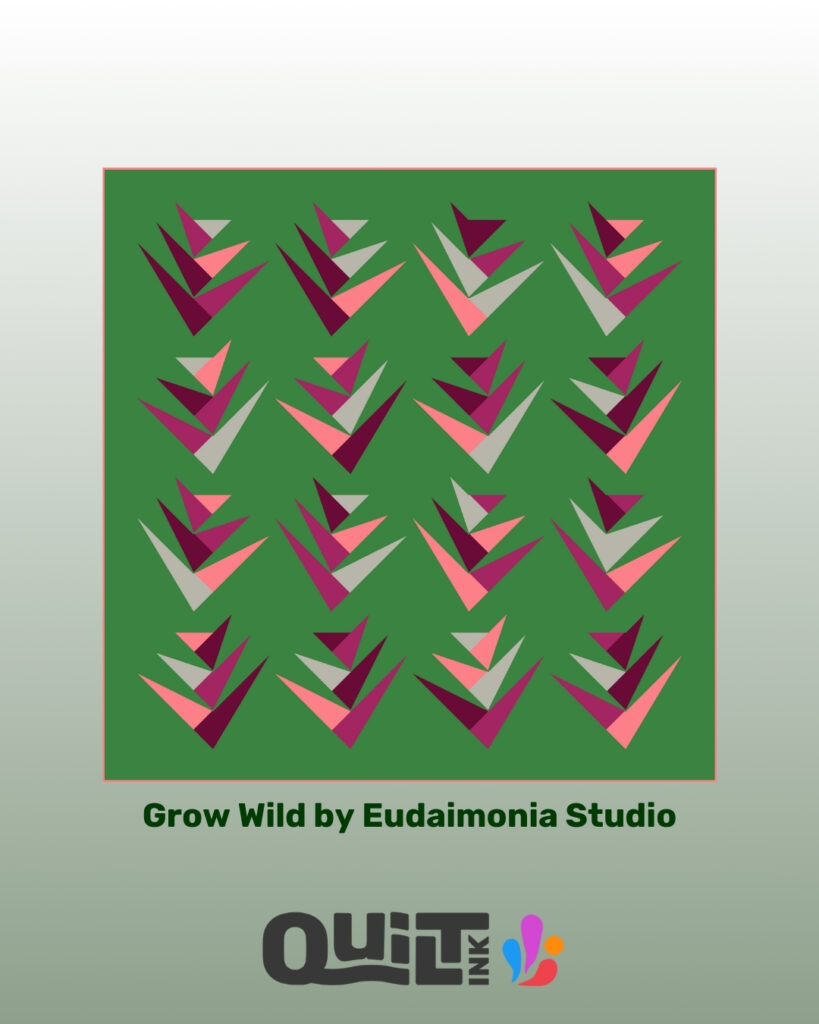
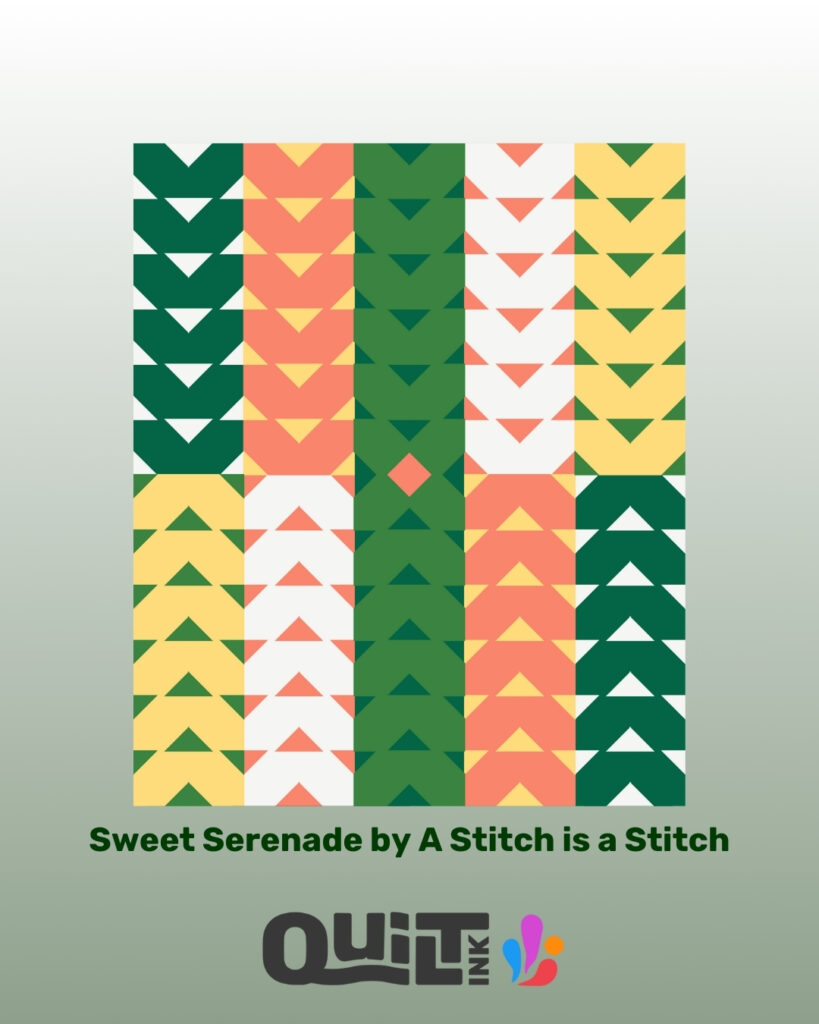
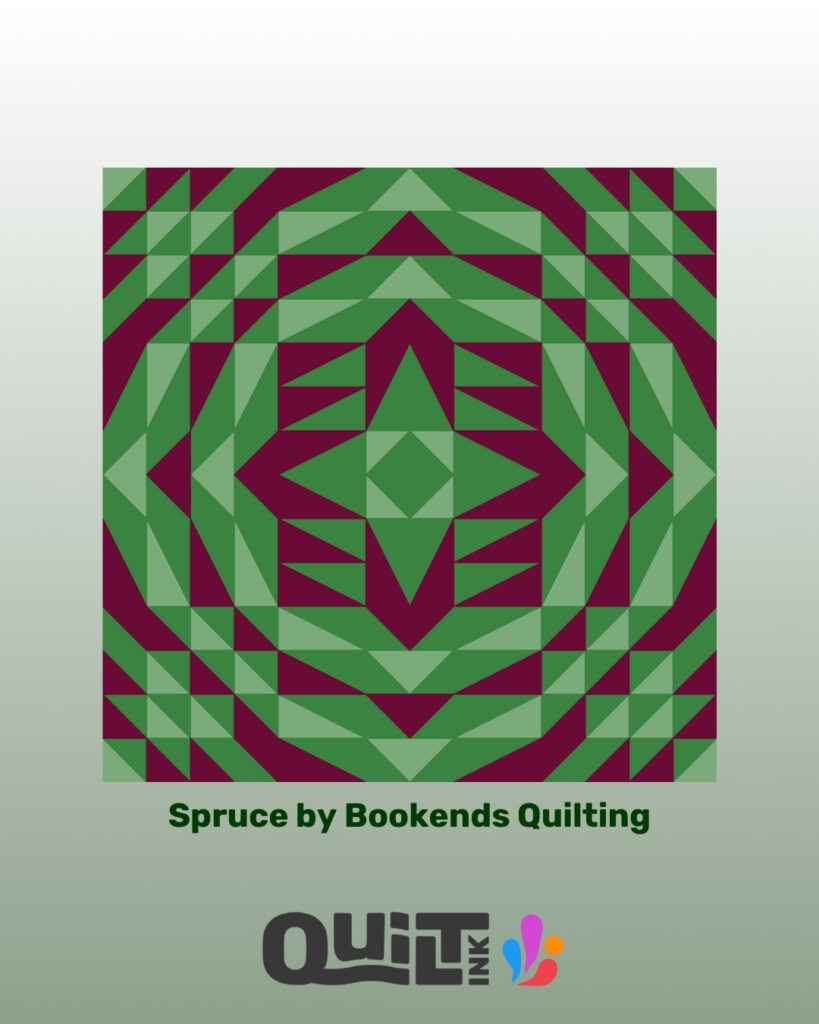
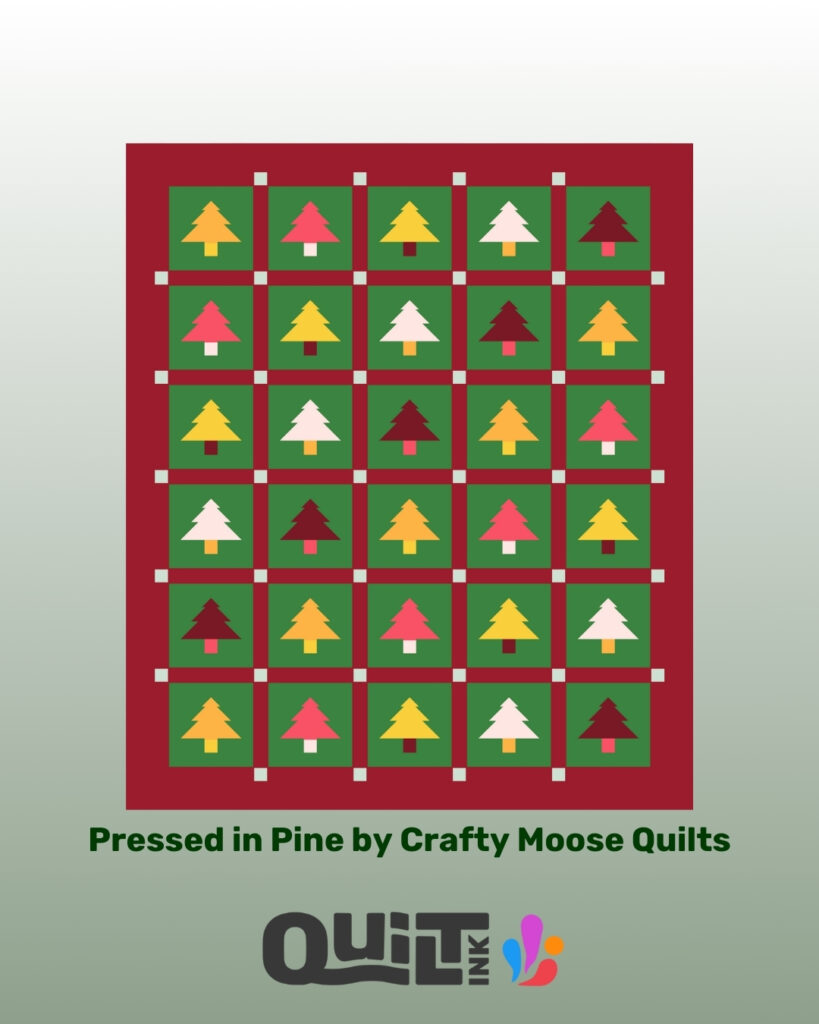
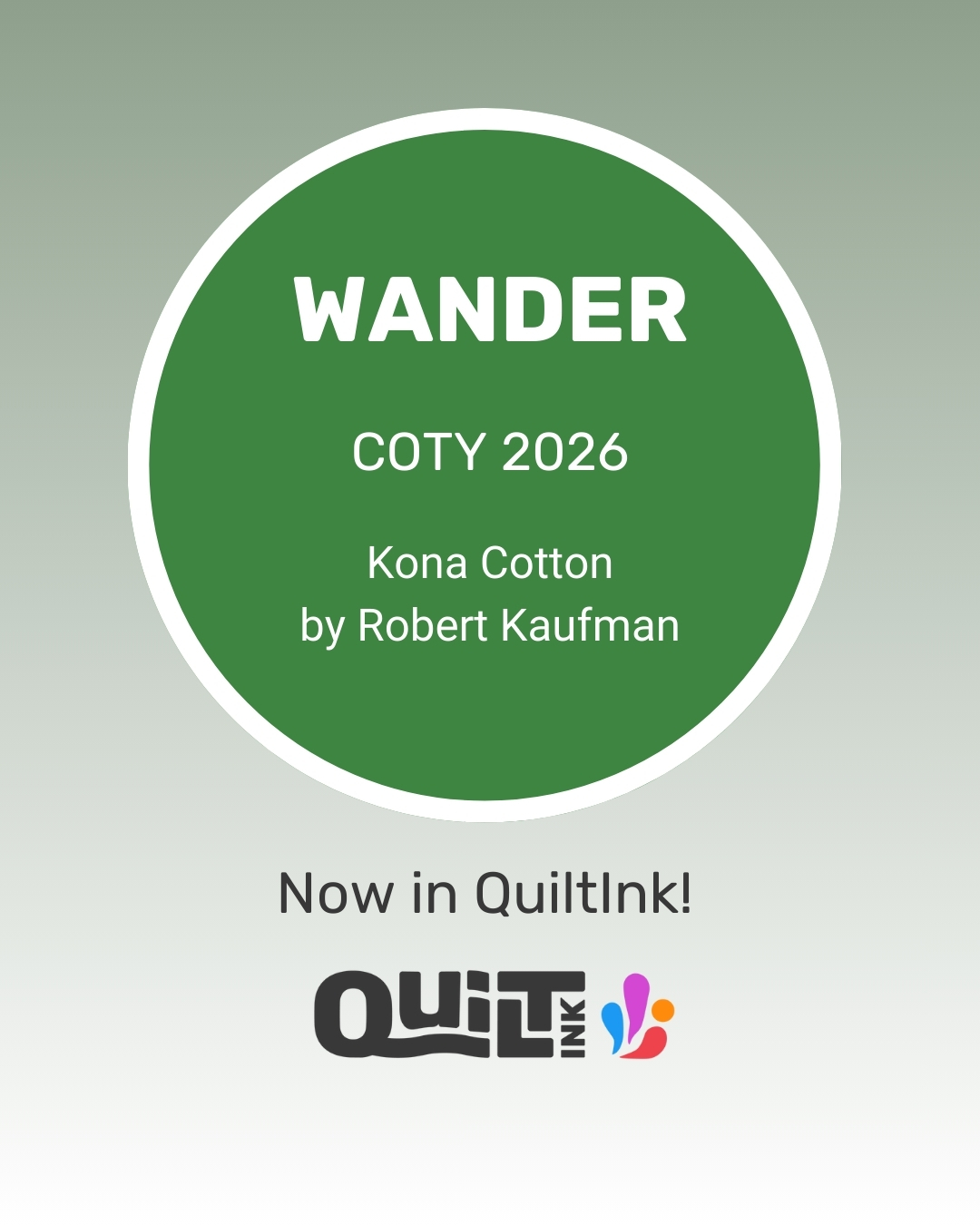
As I promised in my last newsletter, I share more about the new COTY 2026 from Kona Cotton Solids by Robert Kaufman, now added to QuiltInk to help you plan your quilts with confidence.
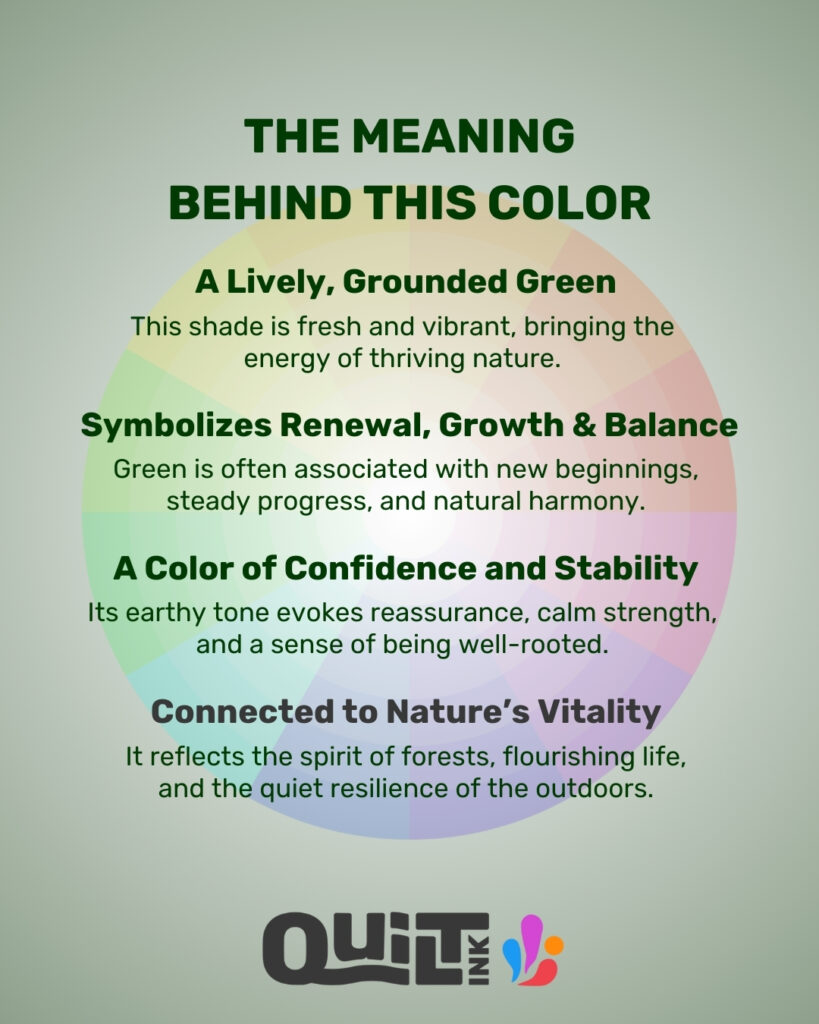
This rich green feels grounded, calming, and full of life — a color strongly connected to growth, balance, and natural harmony. It works beautifully in modern quilts and adds depth to both bold and softer designs.
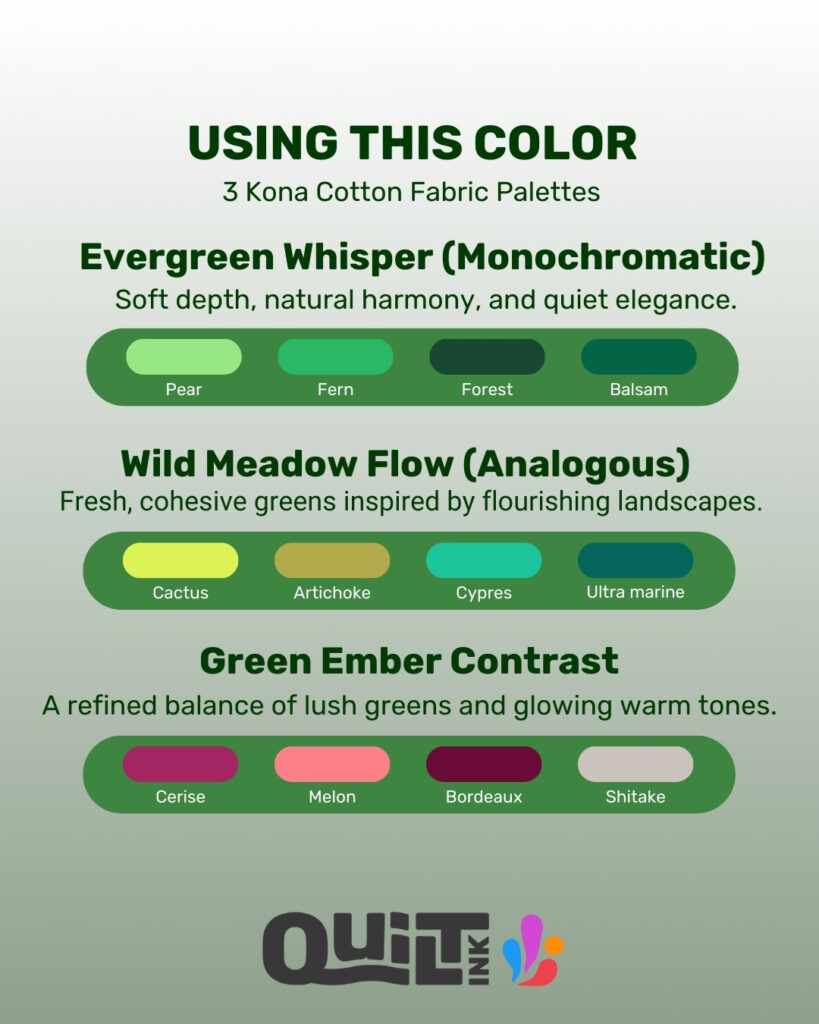
To explore it further, I’ve created three color palettes — monochromatic, analogous, and complementary — showing different ways to combine this color with Kona Cottons.
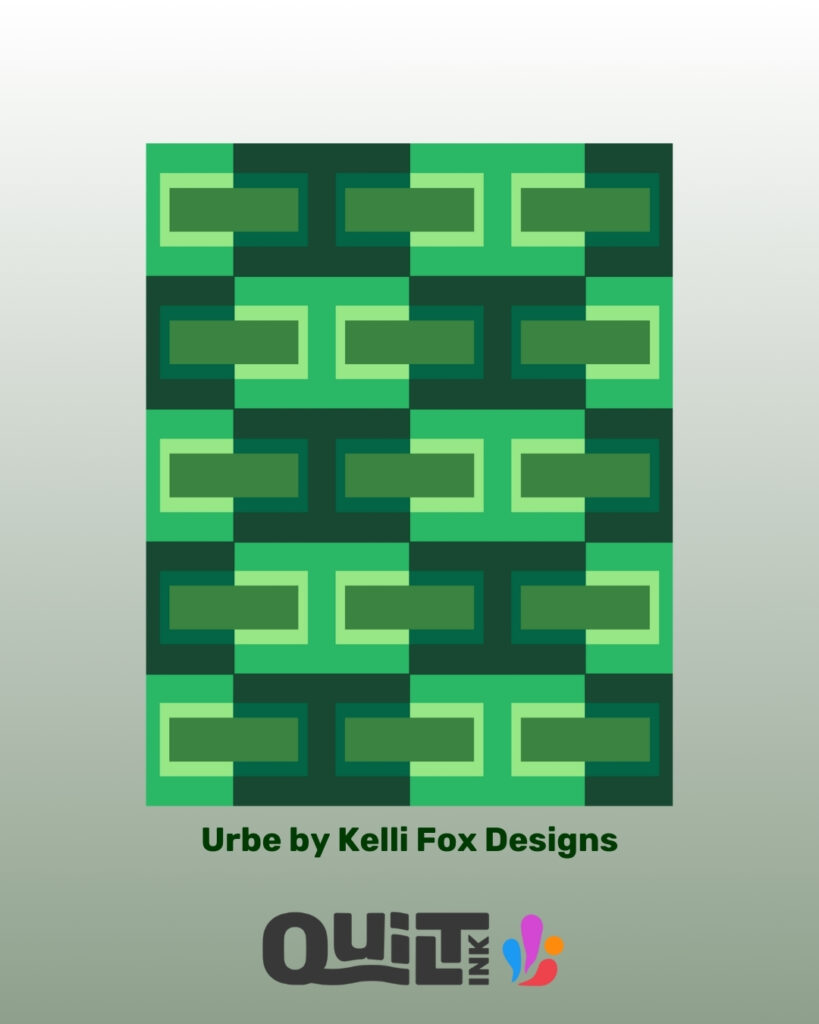
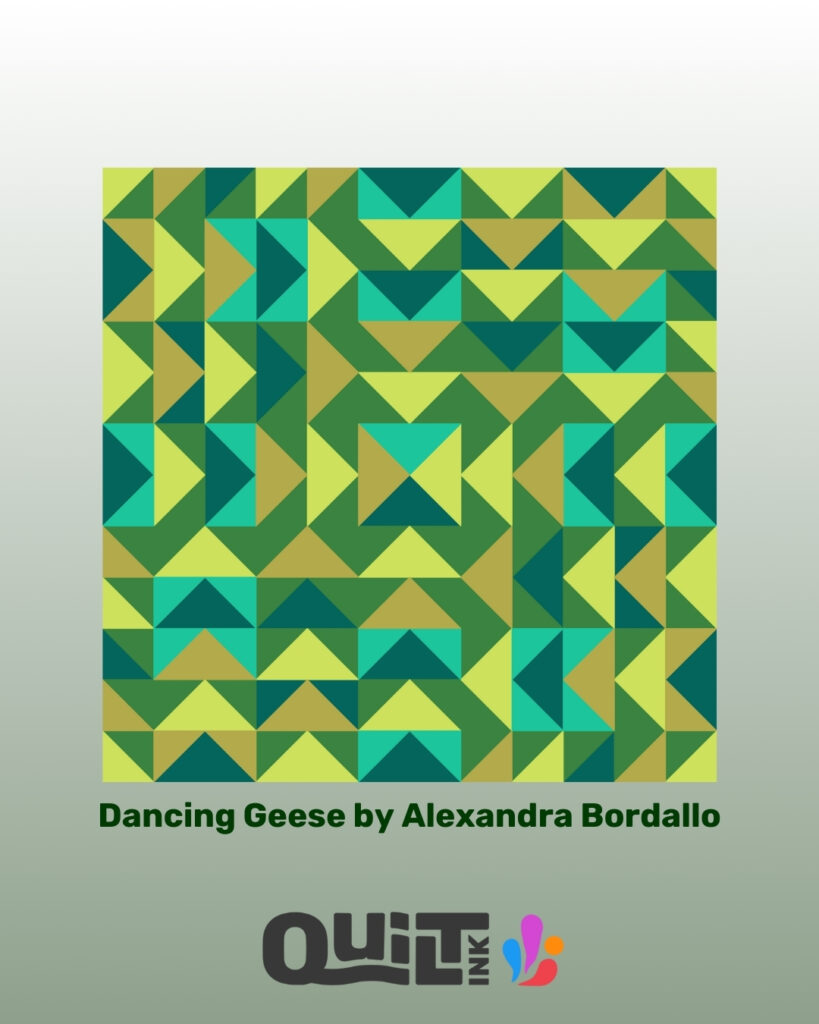
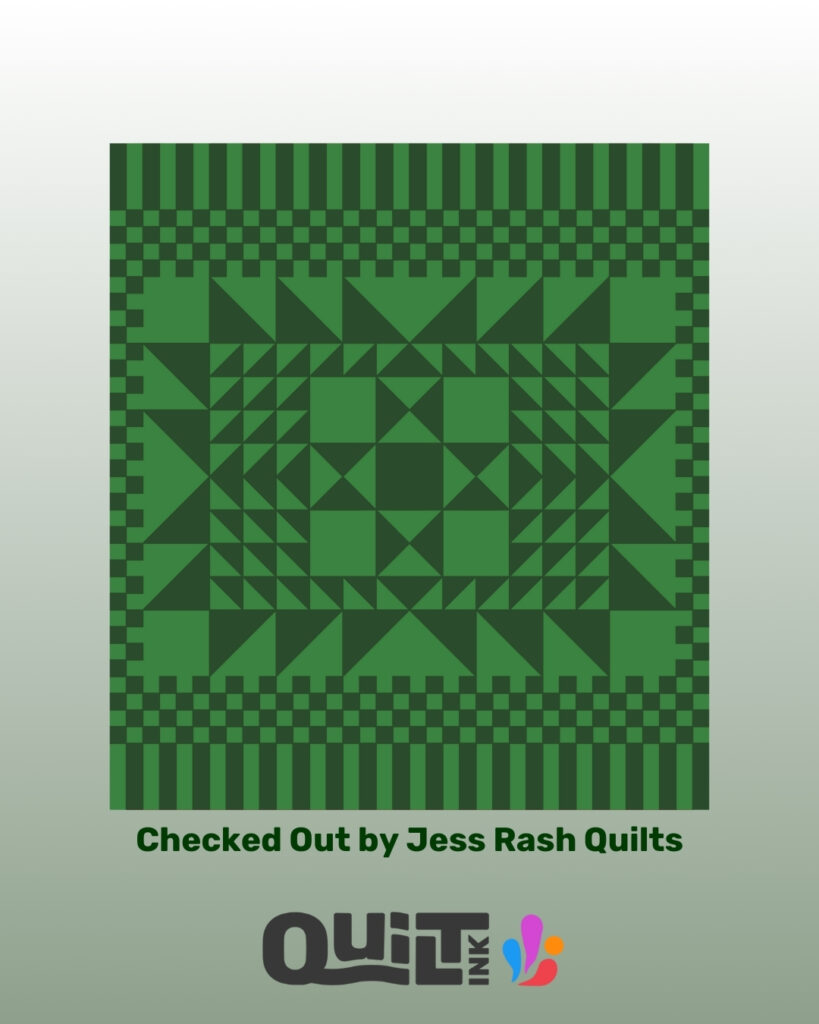
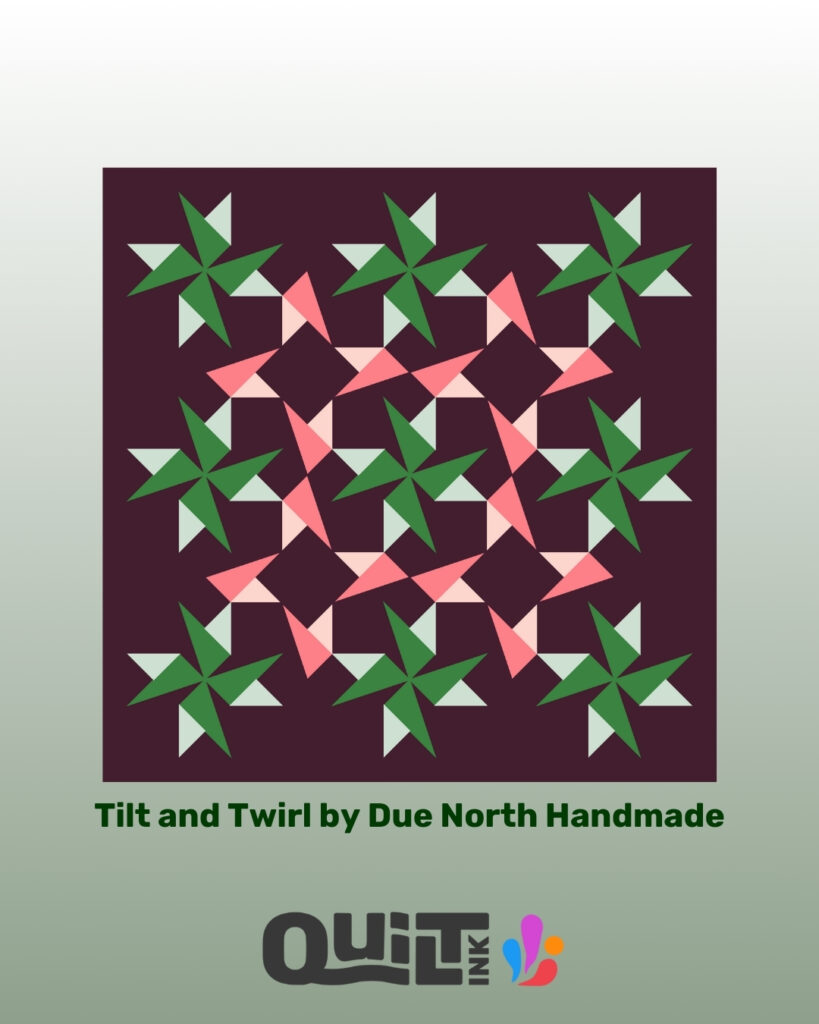
You’ll also see 8 quilt mock-ups, all colored in QuiltInk, using patterns by:
Urbe by @kellifox_designs
Dancing Geese by @alexandrabordallo
Grow Wild by @eudaimoniastudious
Sweet Serenade by @a_stitch_is_a_stitch
Spruce by @bookendsquilting
Pressed in Pine by @craftymoose_quilts
Checked Out by @jessirash
Tilt and Twirl by @duenorthhandmade
Swipe, get inspired, and start planning your next quilt before cutting any fabric 💚
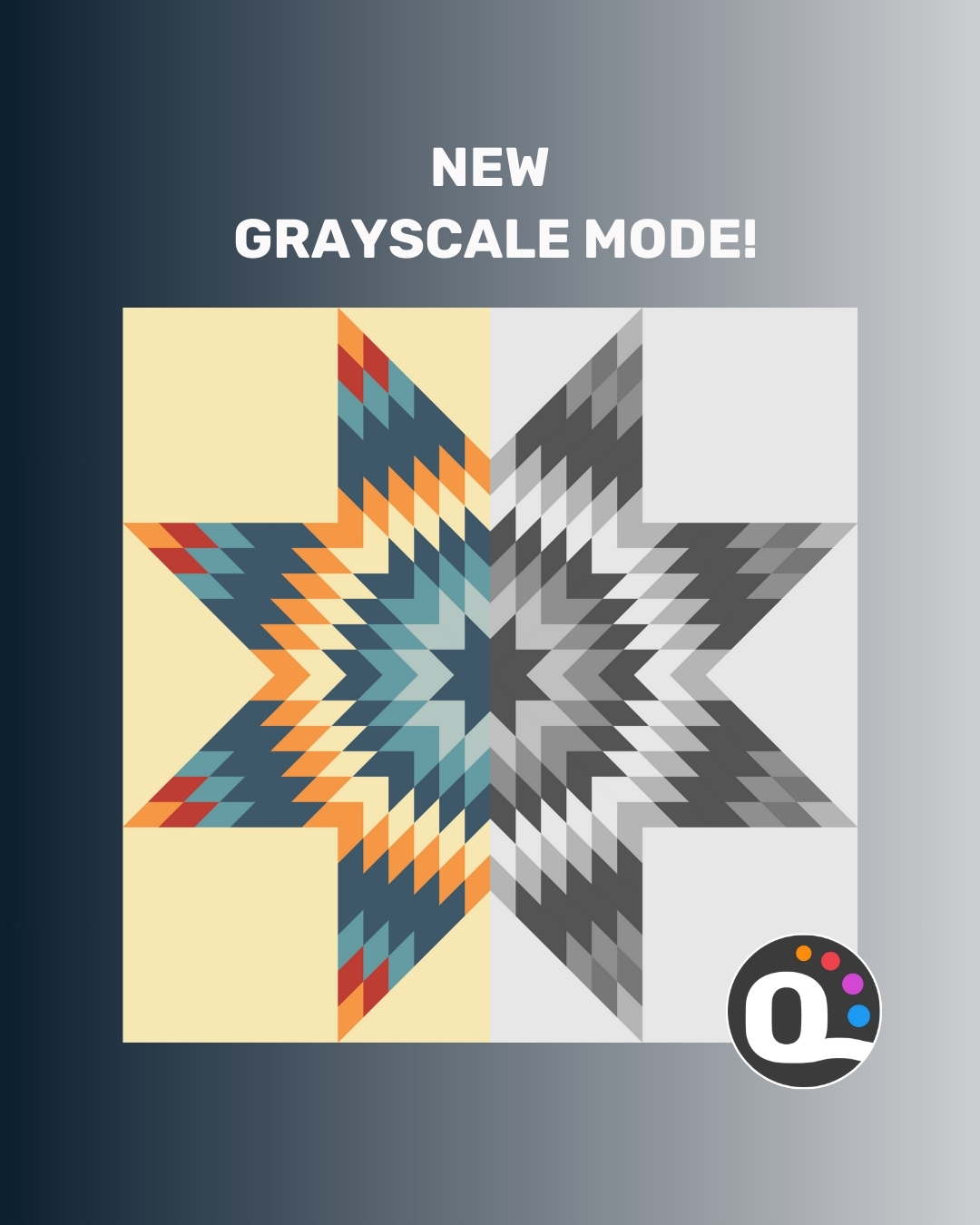
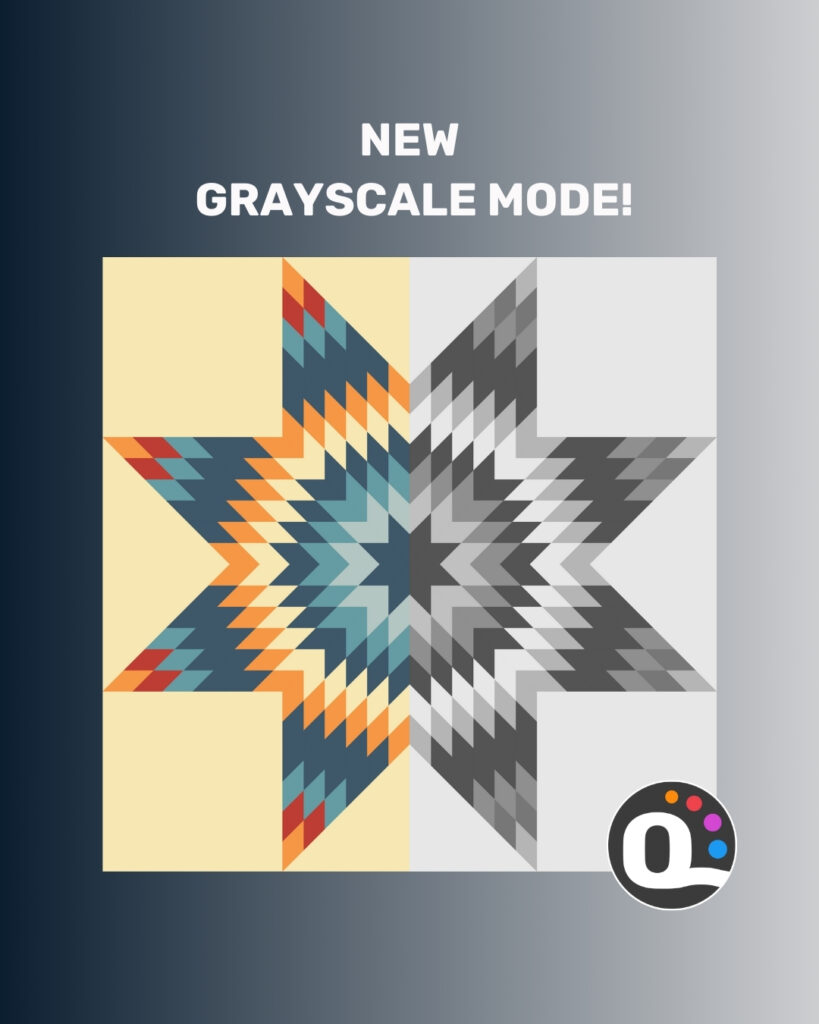
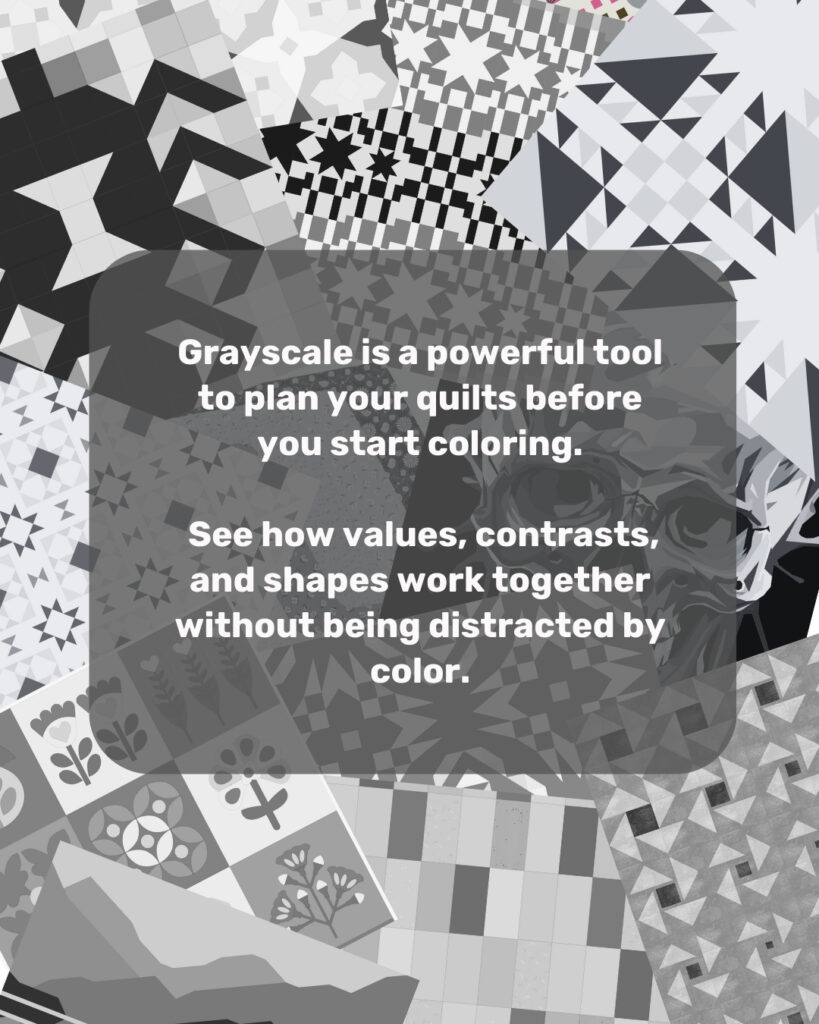
Are you aware of the new Grayscale Mode on QuiltInk? 🖤🤍
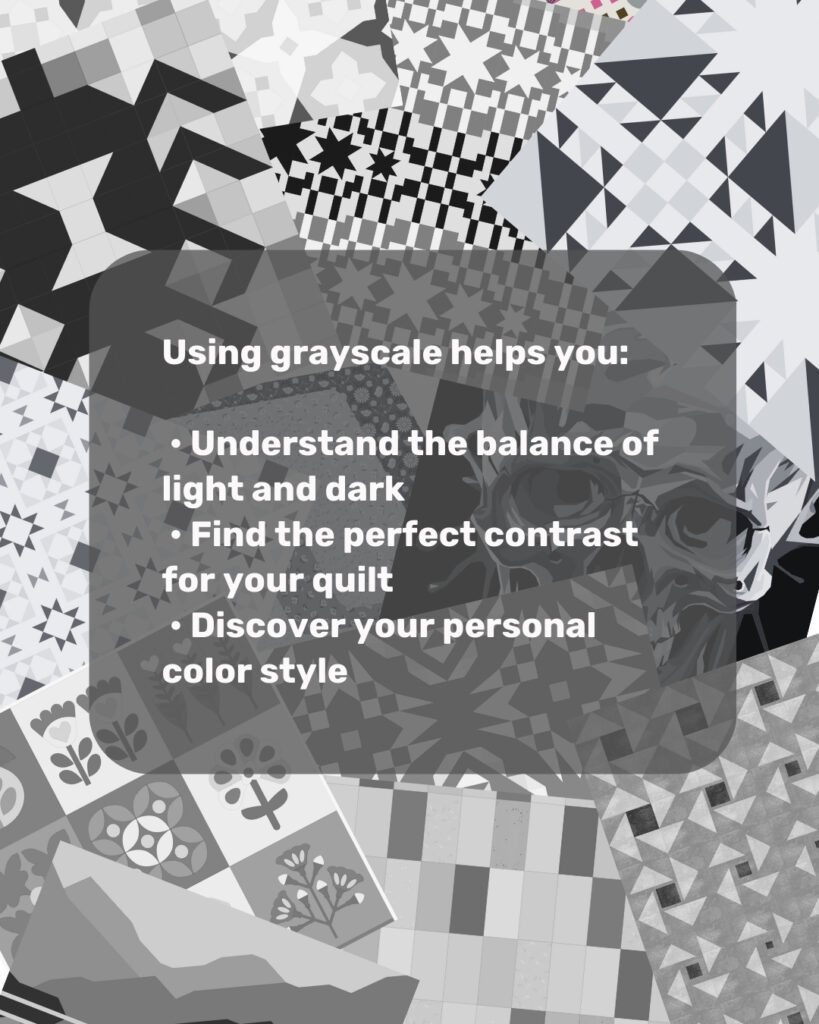
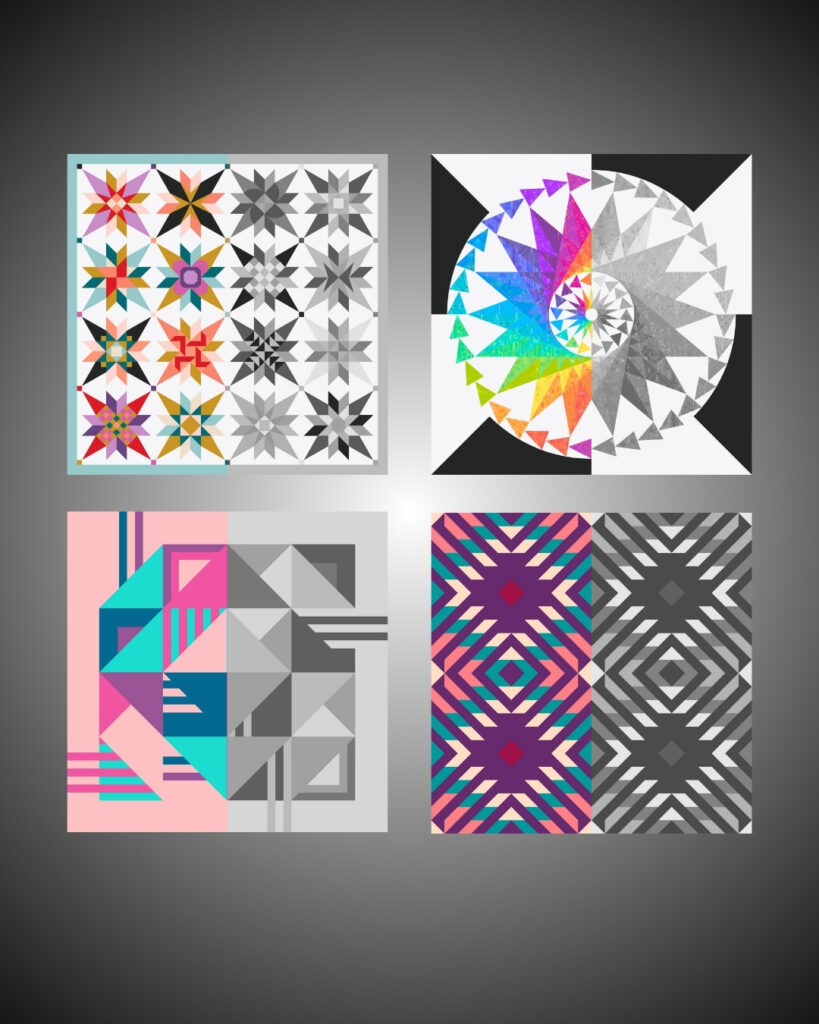
This exciting addition lets you see your quilt patterns in shades of gray before coloring. It’s perfect for testing contrasts, exploring value balance, and planning your palette without distractions.
Using it is simple — just click the Grayscale icon at the top right on any coloring page. Instantly, your pattern switches to shades of gray, giving you a clear blueprint to plan your colors with confidence.
Grayscale is a game-changer for discovering your unique color style, experimenting with prints or solids, and ensuring your final quilt has the perfect balance.
💡 Tip: Save this post and share it with your quilting friends — everyone can use this free feature on any QuiltInk coloring page to improve their coloring skills!
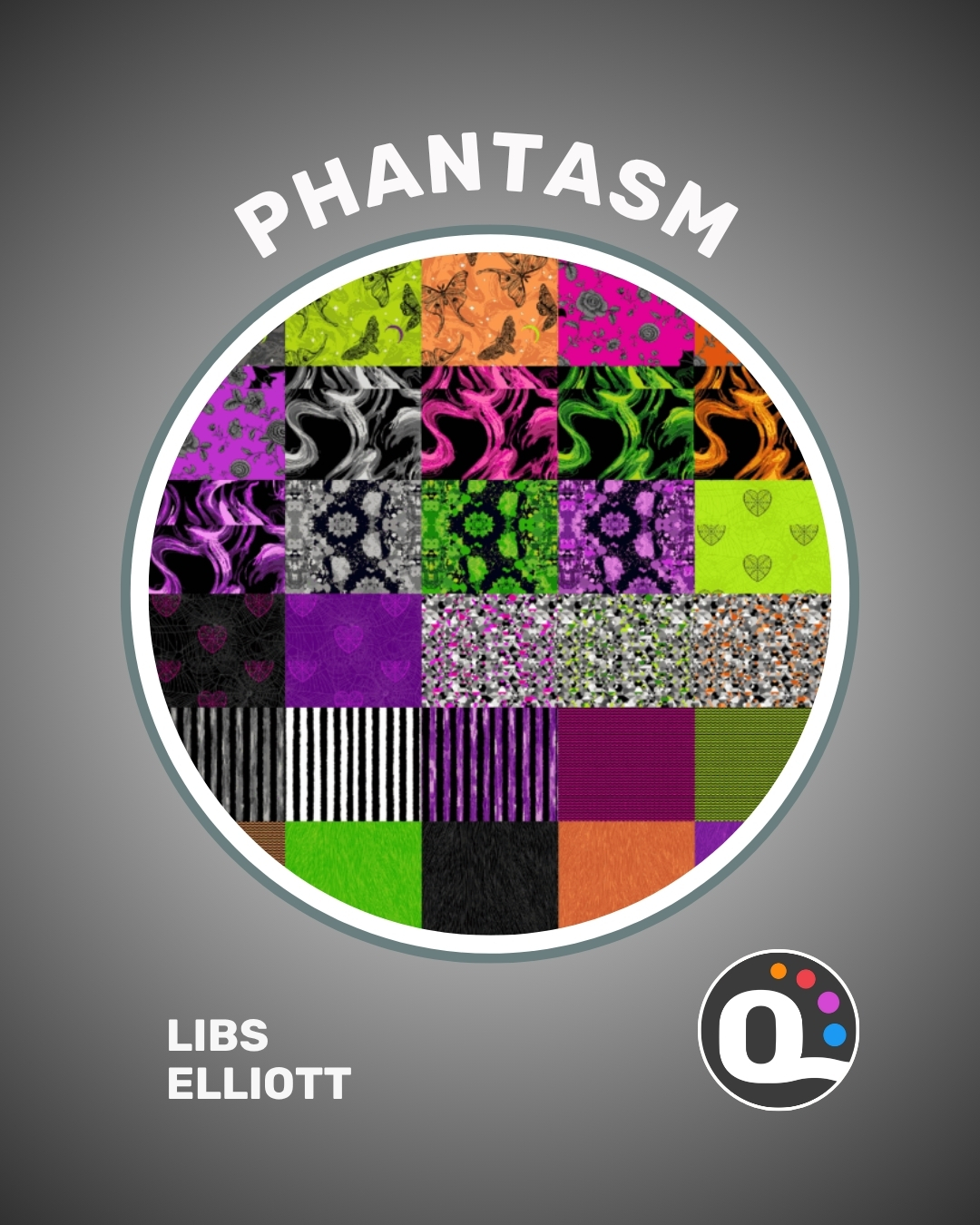
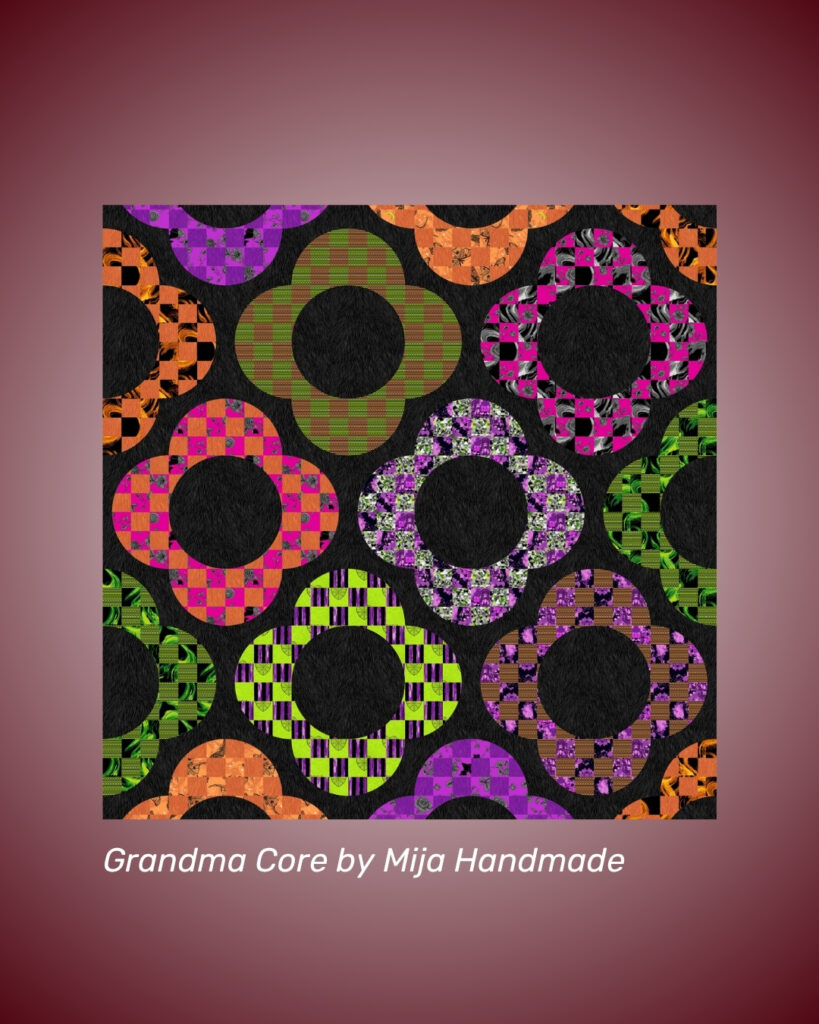
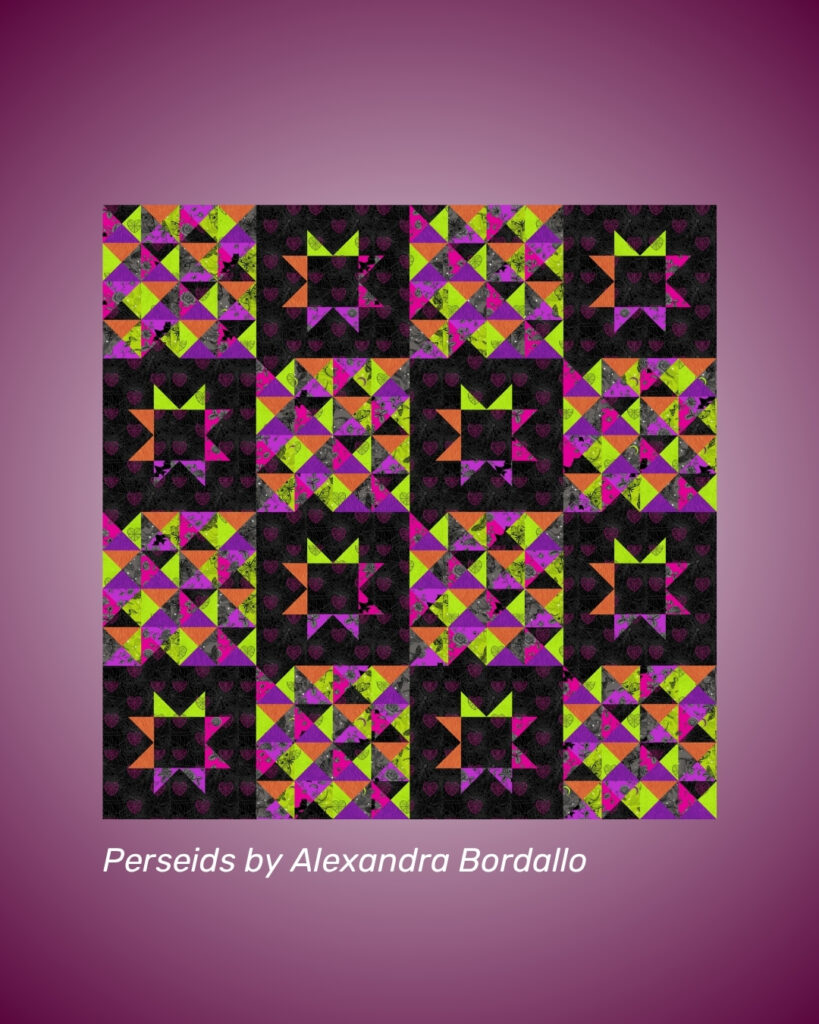
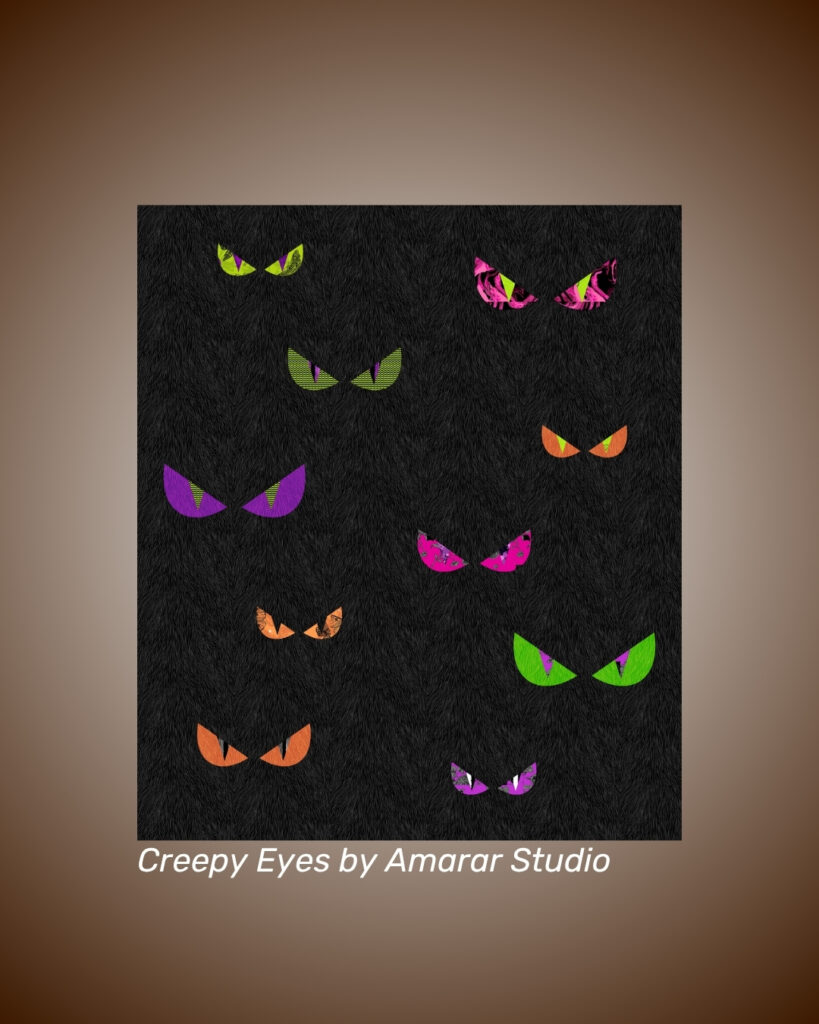
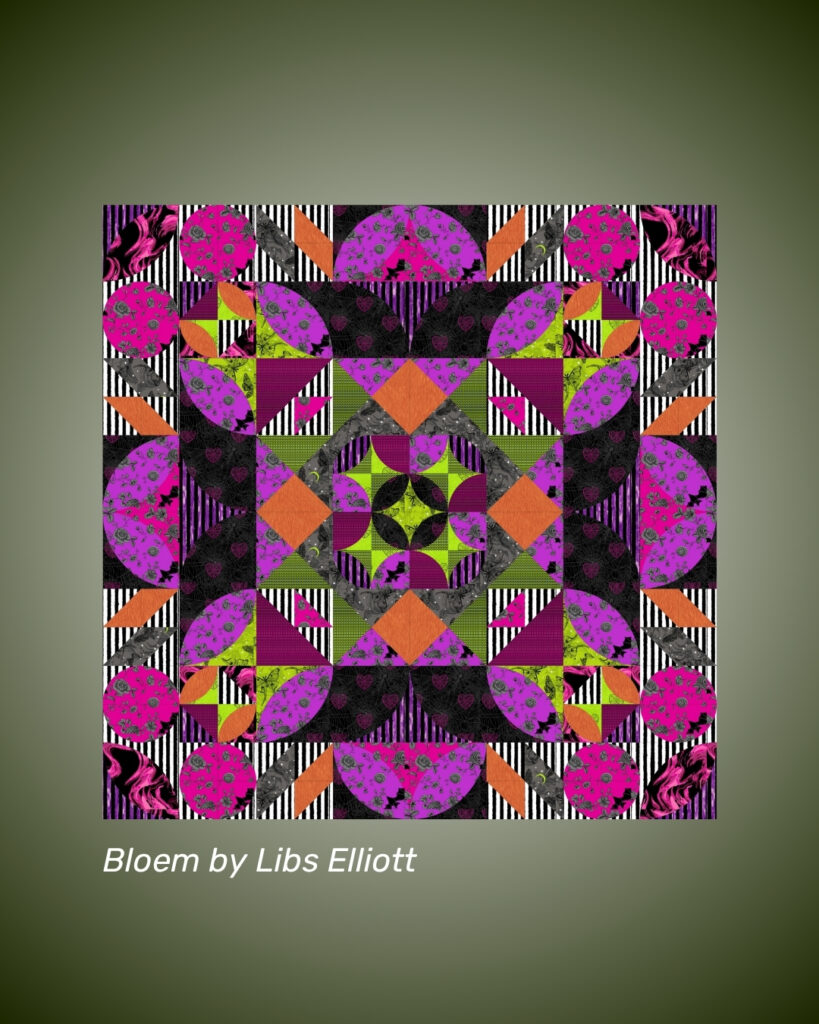
It’s time for a new #QuiltInkInspo drop — and this one is giving spooky summer vibes in the best possible way! 👻🖤
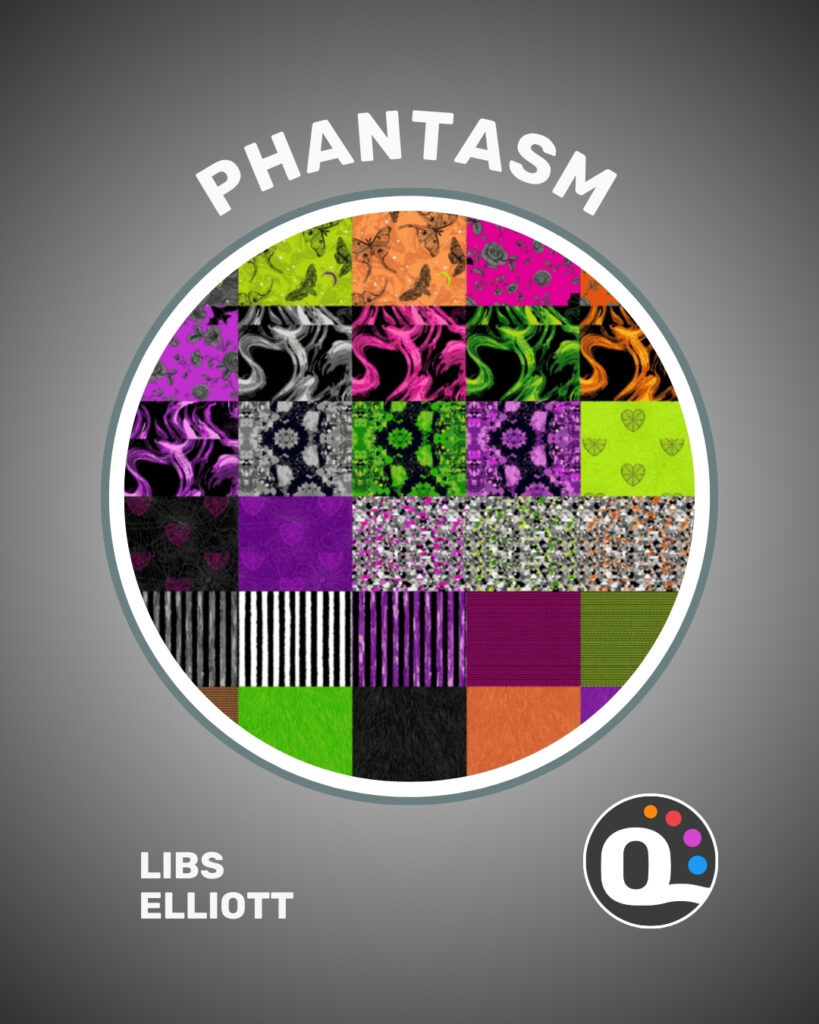
We’re thrilled to share that the Phantasm fabric collection by @libselliott is now available on QuiltInk for digital coloring — just as it begins arriving at quilt shops this month!
This bold new collection from @andoverfabrics is all about edgy elegance: think bats, skulls, spider‑web hearts, and night moths in rich, moody tones. A perfect palette for modern quilters who love a little mystery in their makes. 🦇🕷️✨
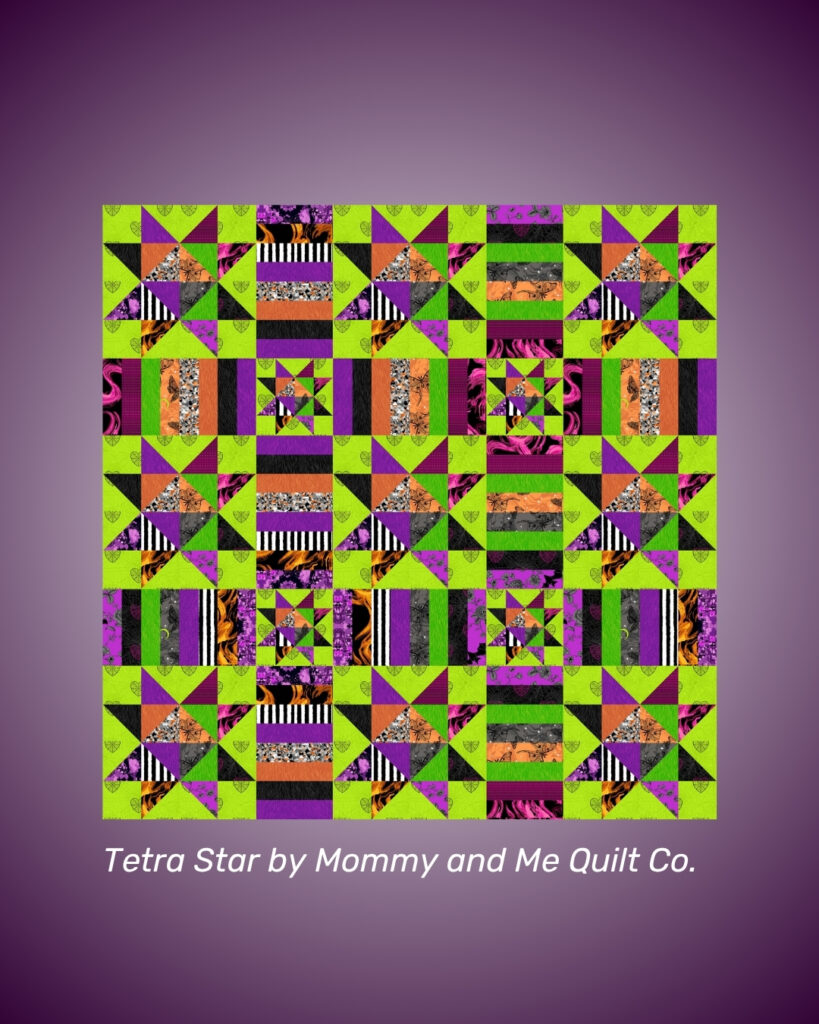
🧵 Swipe through to see how Phantasm brings these QuiltInk-hosted patterns to life:
– Tetra Star by @mommyandmequiltco
– Grandma Core by @mija.handmade
– Perseids by @alexandrabordallo
– Creepy Eyes by @quiltilus
– Bloem by @libselliott
Ready to plan your own project with this hauntingly beautiful collection? Head to www.quiltink.com, search for “Phantasm” in the fabrics list, and start coloring mock-ups today — all before you even cut into your fabric!
🛍️ Preorders are open at many local quilt shops — grab yardage, panels, or bundles and get a head start on your fall sewing lineup.
Which mock-up speaks to you most? Drop your favorite below! ⬇️
🌼 Spring is in full swing—what are you sewing these days?
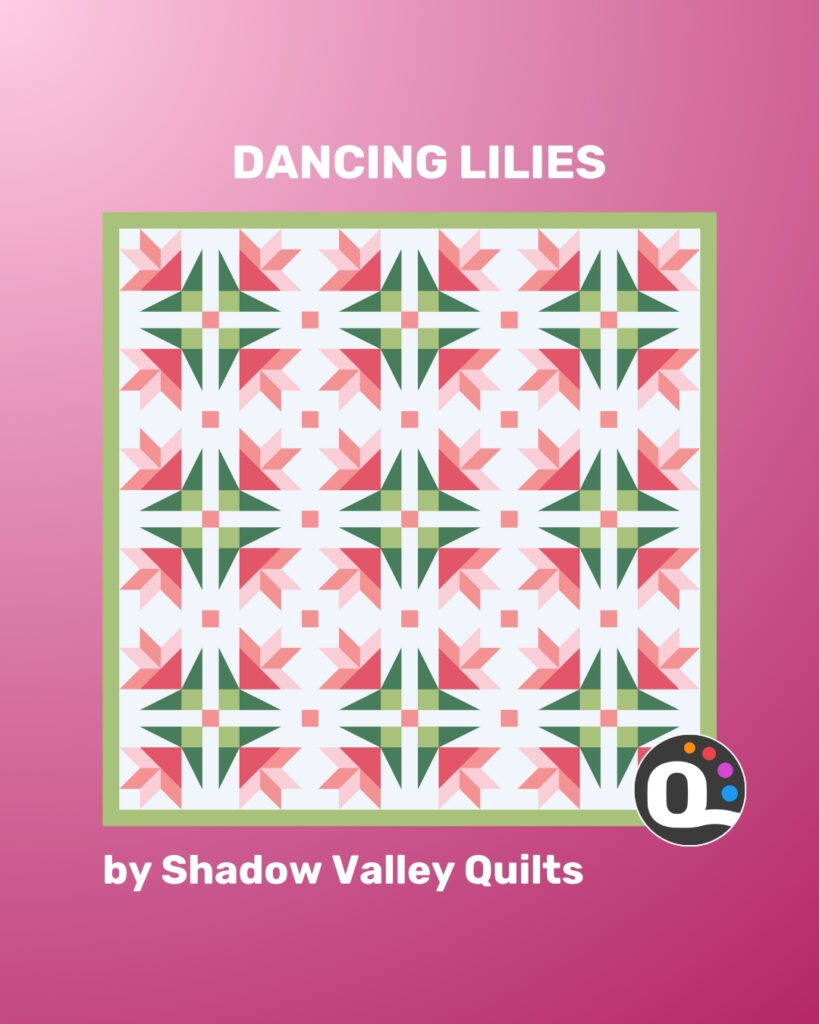
If you’re dreaming of florals and fresh colors, Dancing Lilies by Shadow Valley Quilts might be your next favorite project! ✨
This modern flower quilt pattern brings a fresh twist to traditional floral designs. With its geometric layout and playful movement, it’s perfect for baby quilts, spring throws, or even a charming wedding gift.
🎨 Now on QuiltInk!
Color your version digitally in the easiest and most fun way, and try out as many palettes as you like!
Don’t forget to share your creation on the #QuiltInkWall or tag us—your take might inspire someone else’s next quilt!
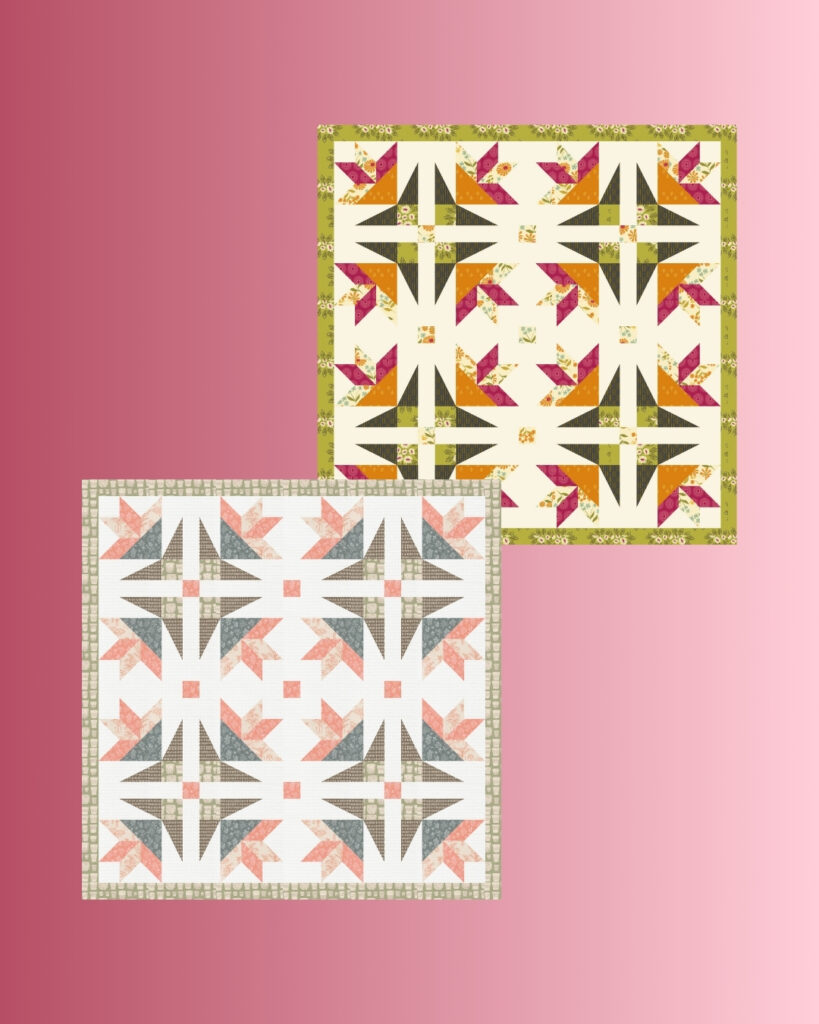
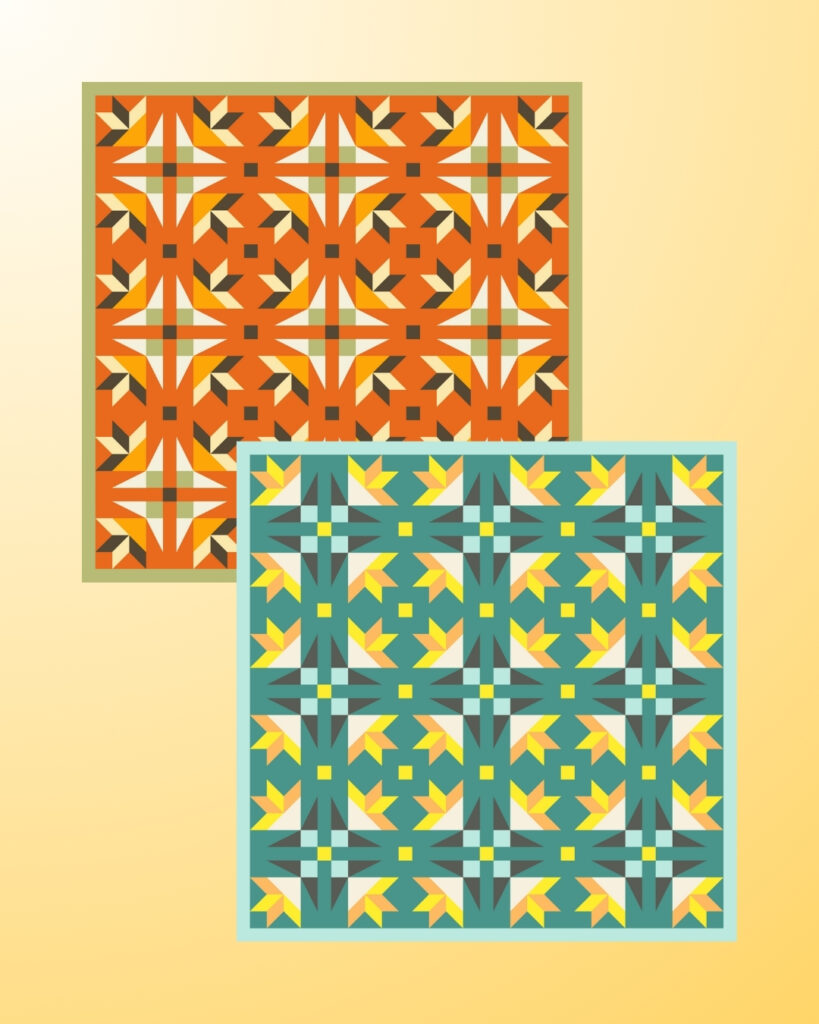
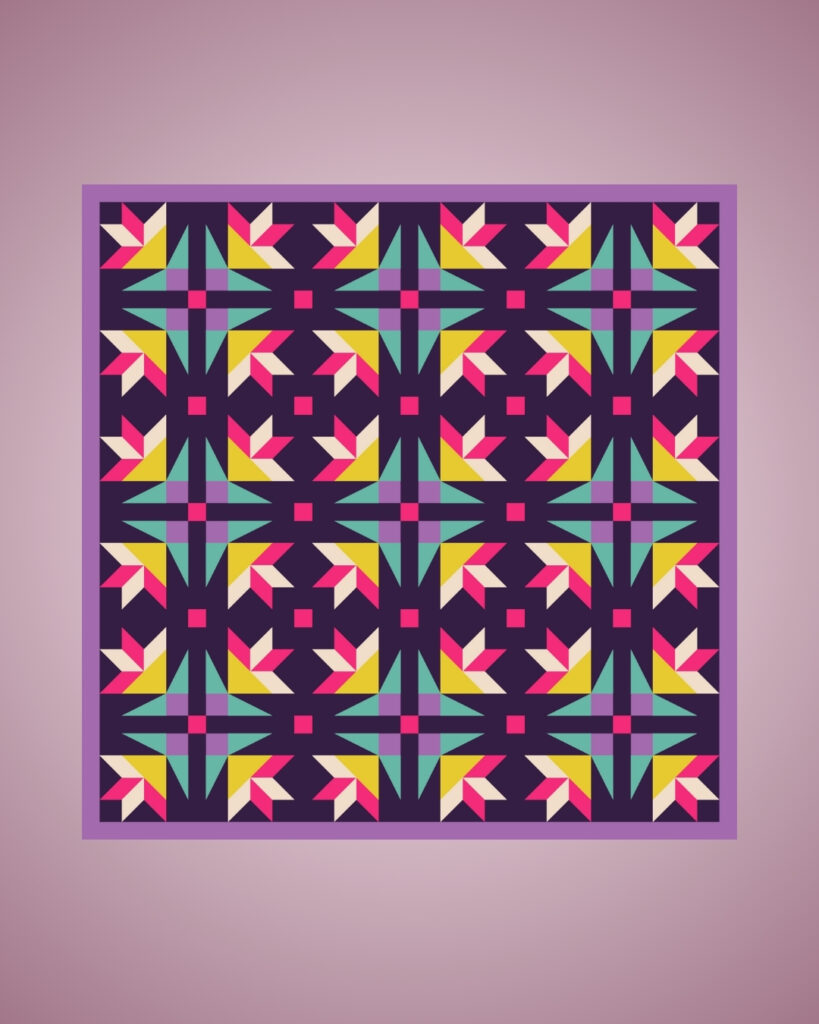
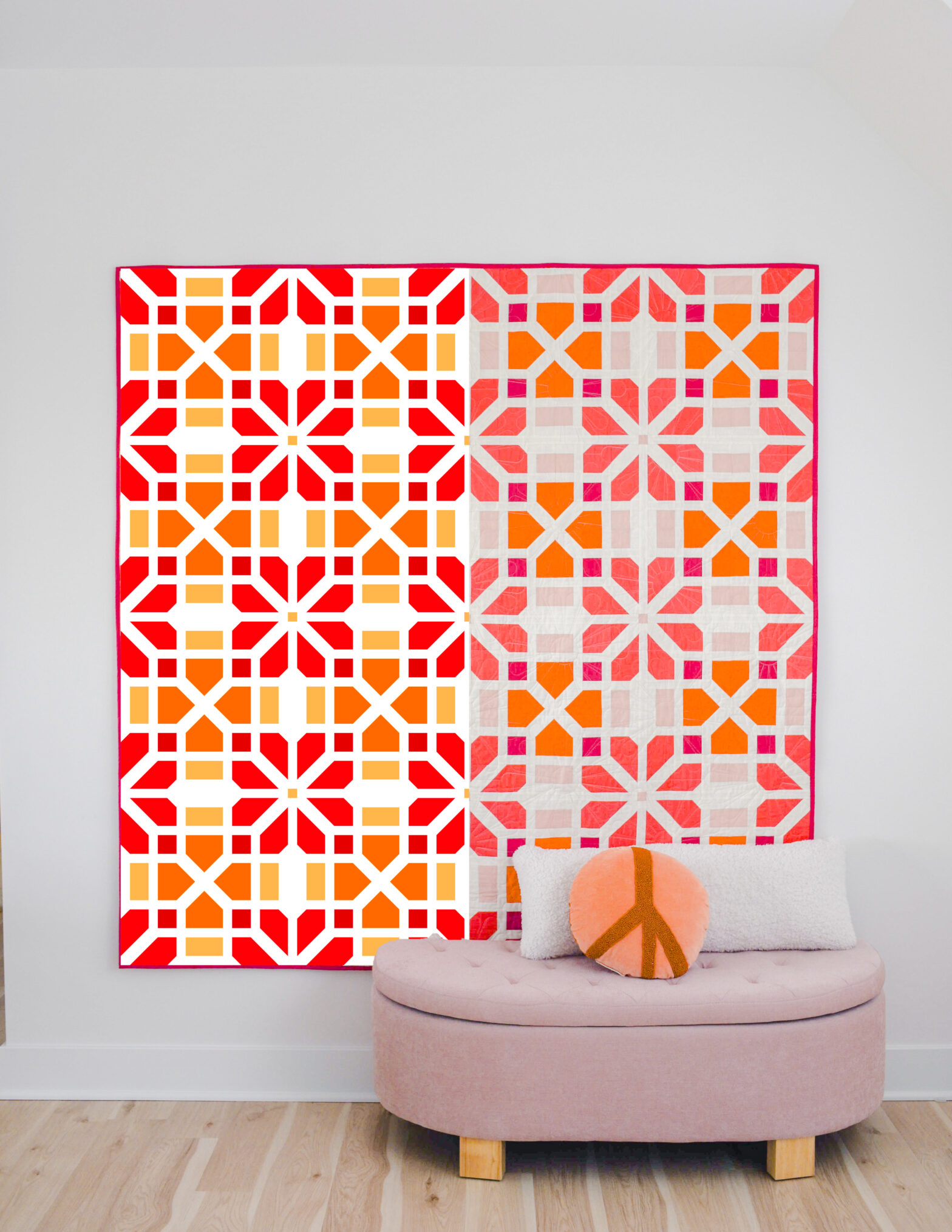
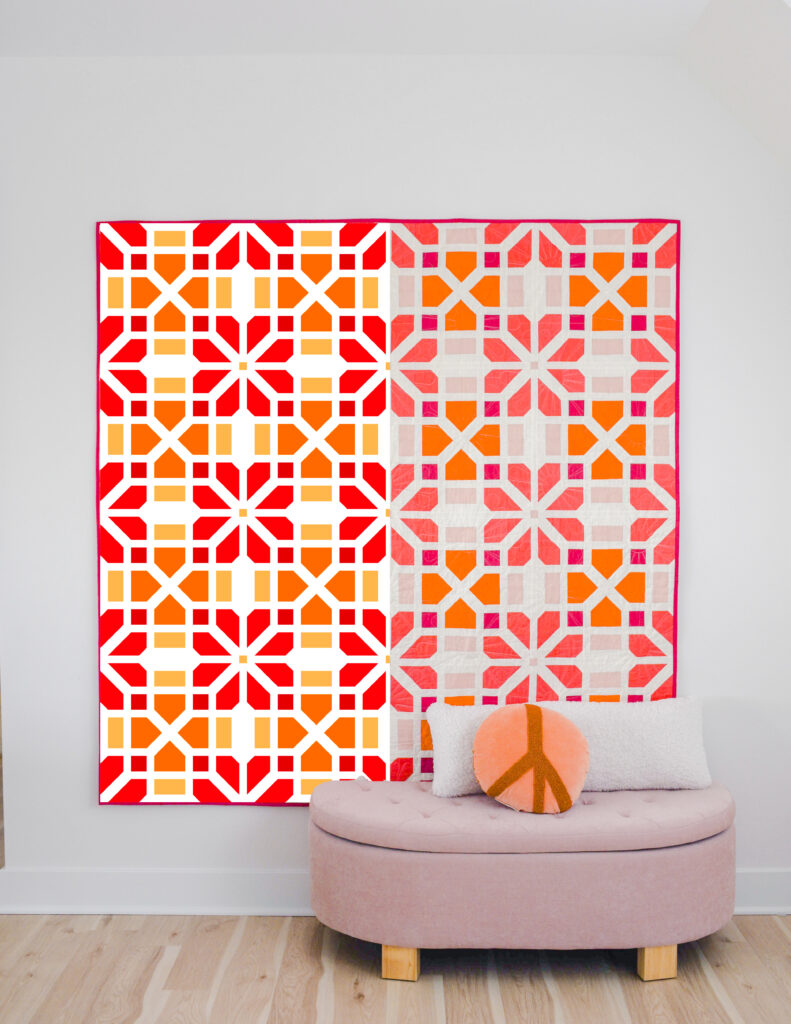
We’re thrilled to introduce the upcoming Winter Blossom Quilt Along and, to celebrate, we’ve teamed up with Sewspicious for an exciting giveaway! This is your chance to spark your creativity and plan your perfect quilt with QuiltInk, while also entering to win a yearly Supporter subscription!
🧵 How to Participate:
1️⃣ Visit www.quiltink.com and sign in (or create your free account).
2️⃣ Find the Winter Blossom Quilt pattern and create your own mock-up.
3️⃣ Color your mock-up however you like—this is the best way to visualize your future quilt!
4️⃣ Share your design on the #QuiltInkWall.
5️⃣ Bonus Entry: Post or share a story on Instagram, tagging @quilt_ink and @sewspicious, using #WinterBlossomQALL
🗓 Coloring Days: April 5–8
🏆 Winner announced: April 9
Let your creativity flow, plan your quilt in QuiltInk, and join the fun! 🎨✨
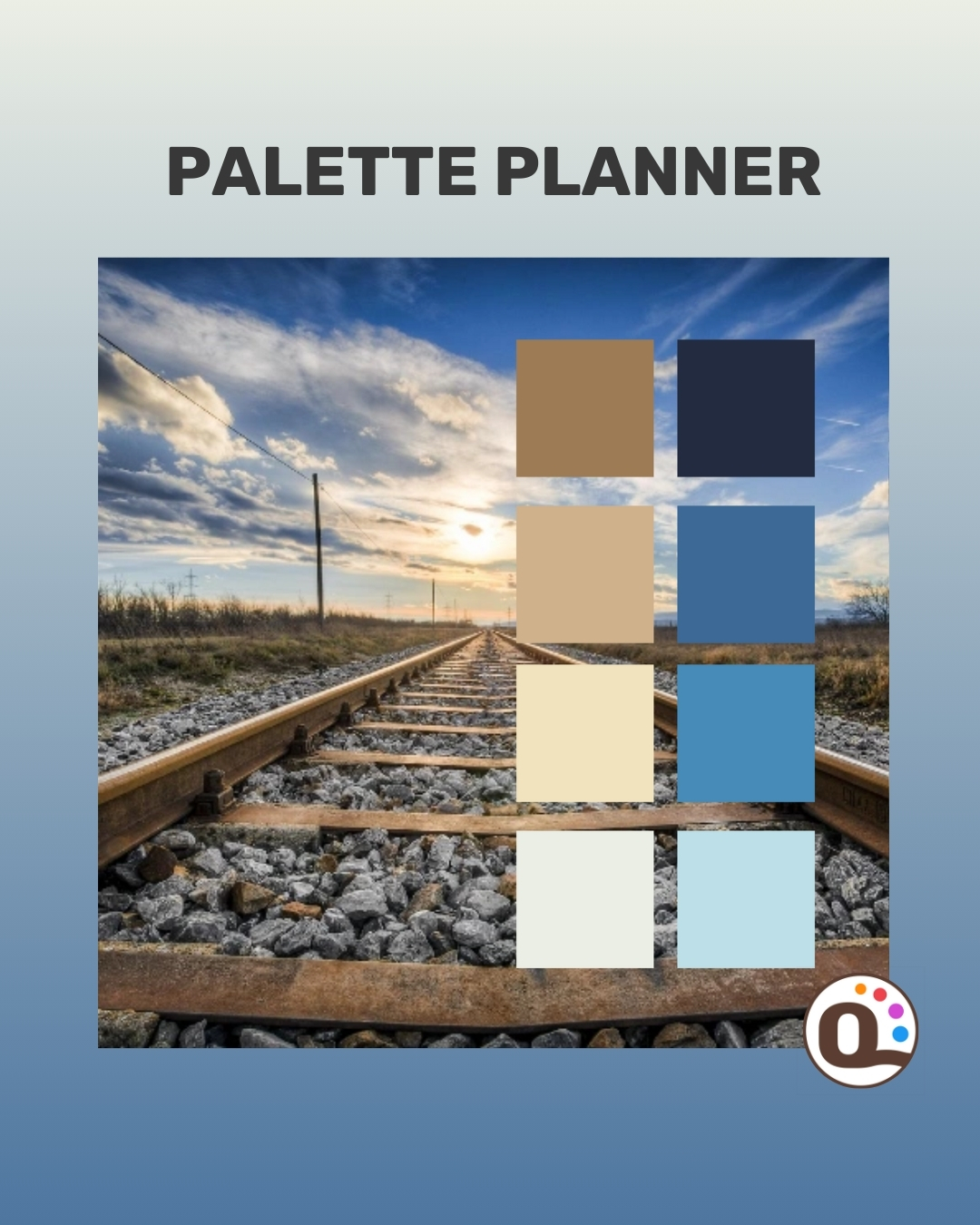
Choosing the right color palette is one of the most exciting yet challenging parts of designing a quilt. That’s why we’ve developed a brand-new section in QuiltInk to help make this process easier and more fun than ever! Whether you’re looking for a simple two-color combination or a dynamic mix of shades, our latest feature allows you to experiment effortlessly.
When selecting colors, quilters often struggle to visualize how different hues work together. Our new palette diagrams offer a structured yet creative way to explore colors before committing to fabric choices. You can now:
Work with three different diagram layouts that accommodate 2-12 colors, so you can find the perfect balance for your quilt.
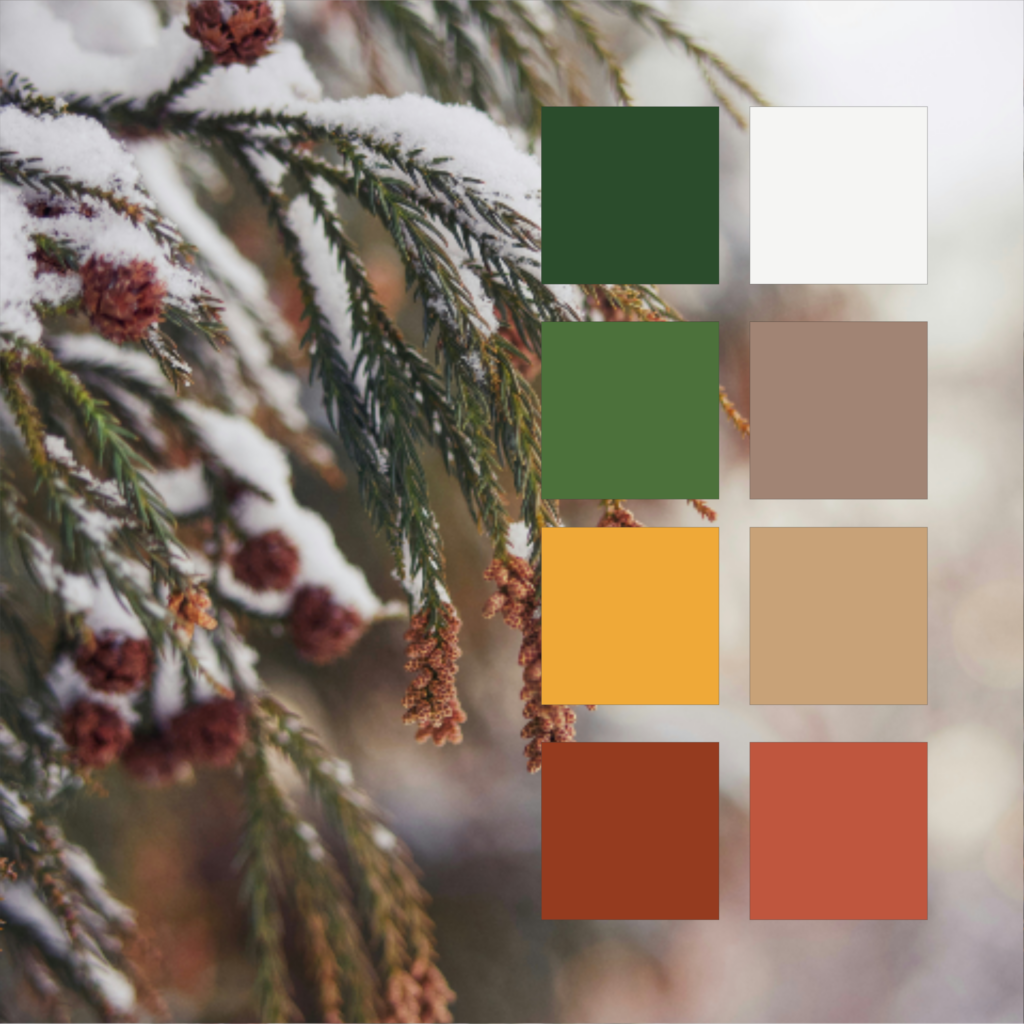
Use our background image selection tool, which allows you to extract colors from any inspirational photo and apply them directly to your palette.
Quickly adjust and refine your selections in QuiltInk, making it easy to create harmonious color schemes for any project.
A free account is required for this option.
Each month, our QuiltInk Newsletter features a color theory section to help you improve your fabric choices. We started by exploring the meaning of colors, and now we’re diving into color combinations!
Check out our newsletter archive here:
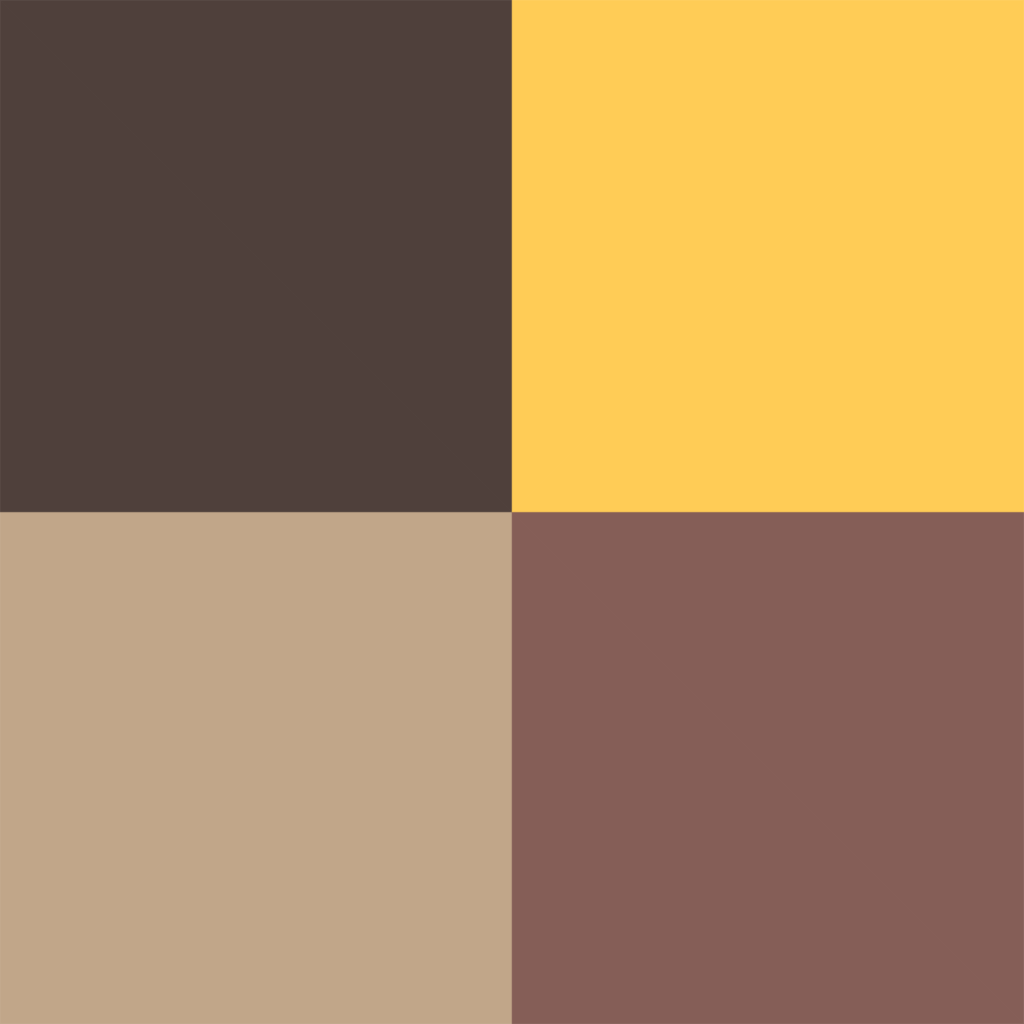
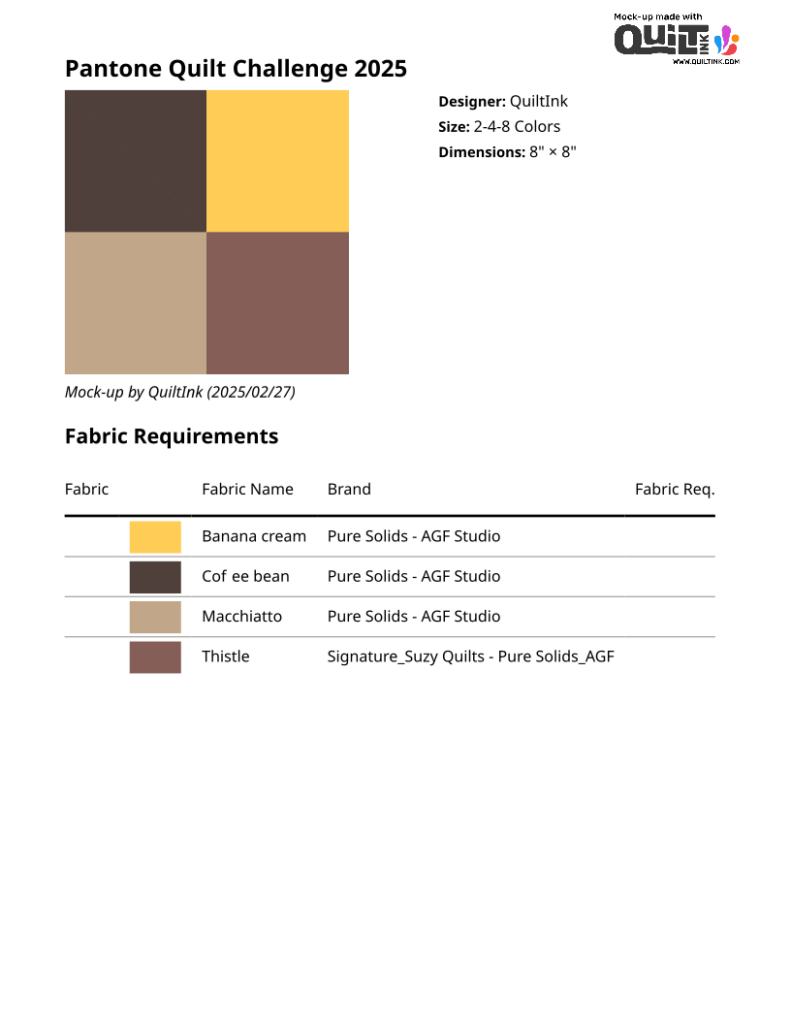
Do you enjoy quilt color challenges and creating unique designs? The Pantone Quilt Challenge is a great occasion to explore your creativity!
Hosted by Elizabeth Ray and Sarah Ruiz, this event gathers an incredible community, offers amazing prizes, and provides an inspiring color to work with.
This year’s challenge kicks off on March 3, 2025, and runs through April 28, 2025.
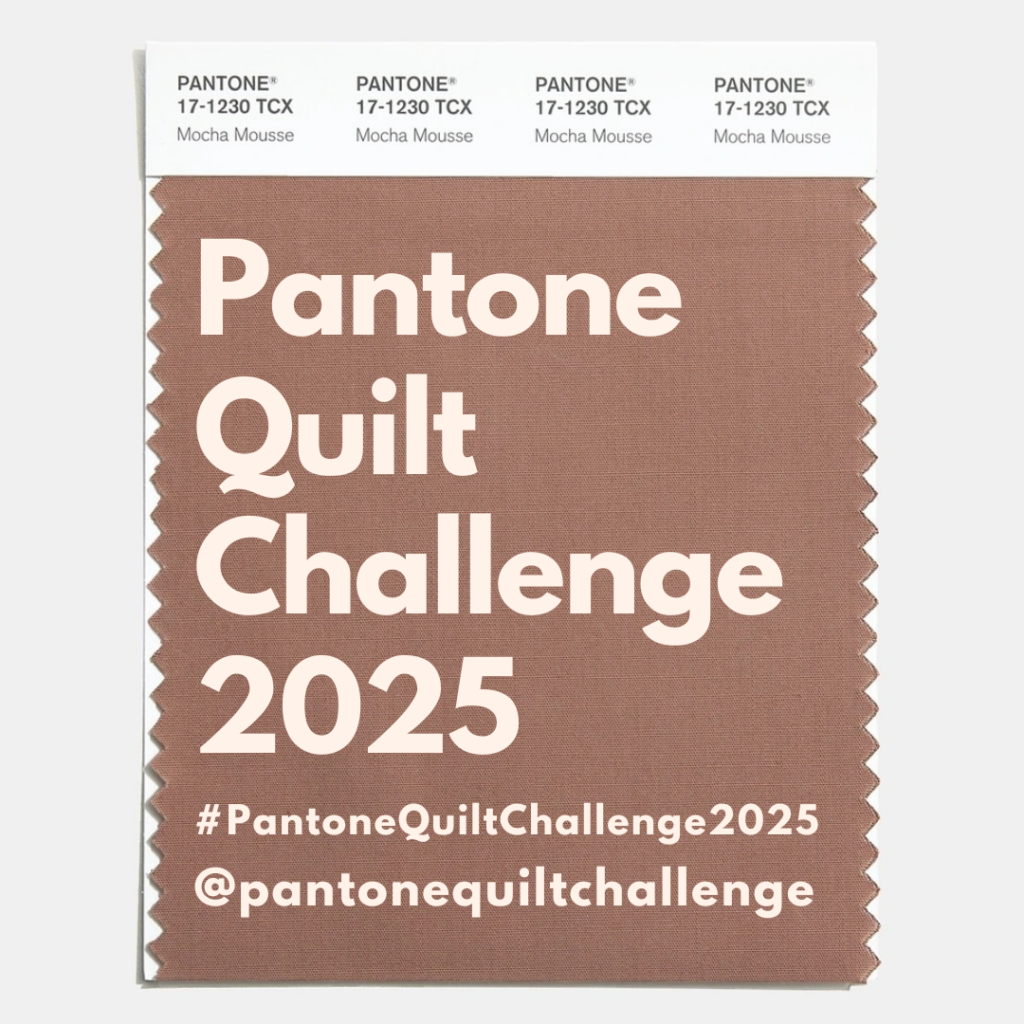
Learn all about the Challenge at Sarah Ruiz’s blog post and on the Pantone Quilt Challenge Instagram account!
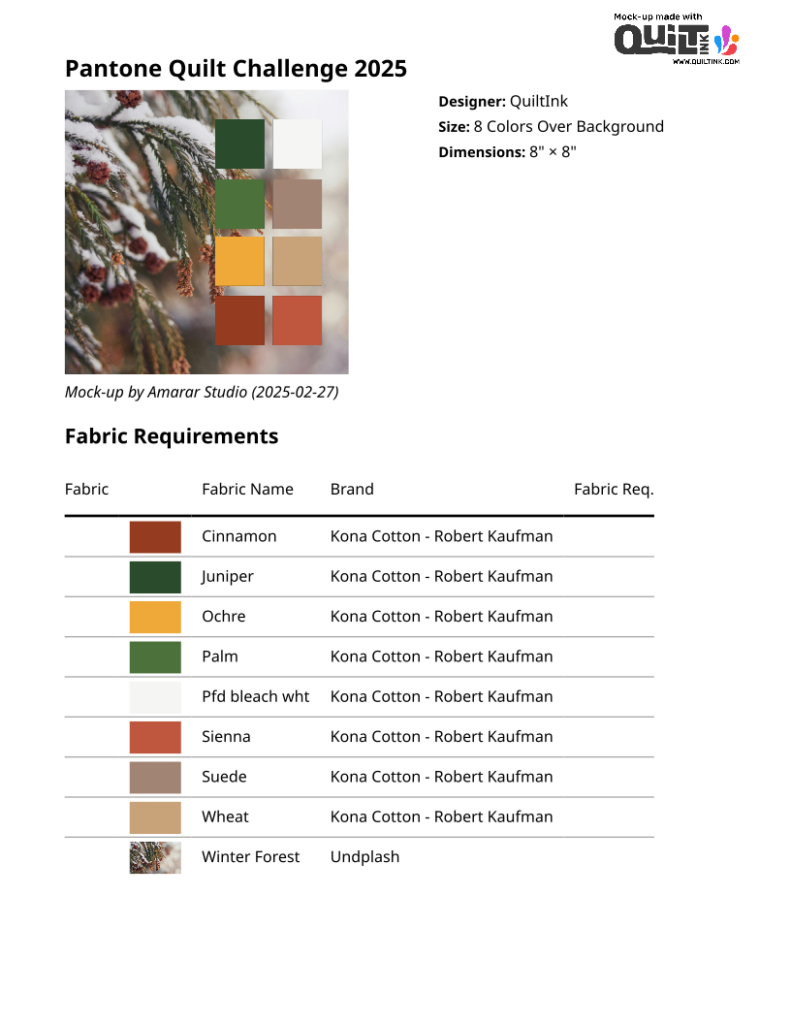
QuiltIn has the perferct feature to help you choose your Mocha Mousse-inspired color palette, ! Check the “Palette Planner” listed as a pattern on our main page, where you can experiment with different color combinations before starting your quilt.
You will find four diagrams to help you set up your palette:
3 simple palettes with 2-12 colors, so you can use the one more suited to the number of color you want.
A creative image-inspired selection diagram– Place an image in the square with 8 mini squares over it to extract colors from your favorite inspiration!
A free account is required for this option.
Each month, our QuiltInk Newsletter features a color theory section to help you improve your fabric choices. We started by exploring the meaning of colors, and now we’re diving into color combinations!
Check out our newsletter archive here:
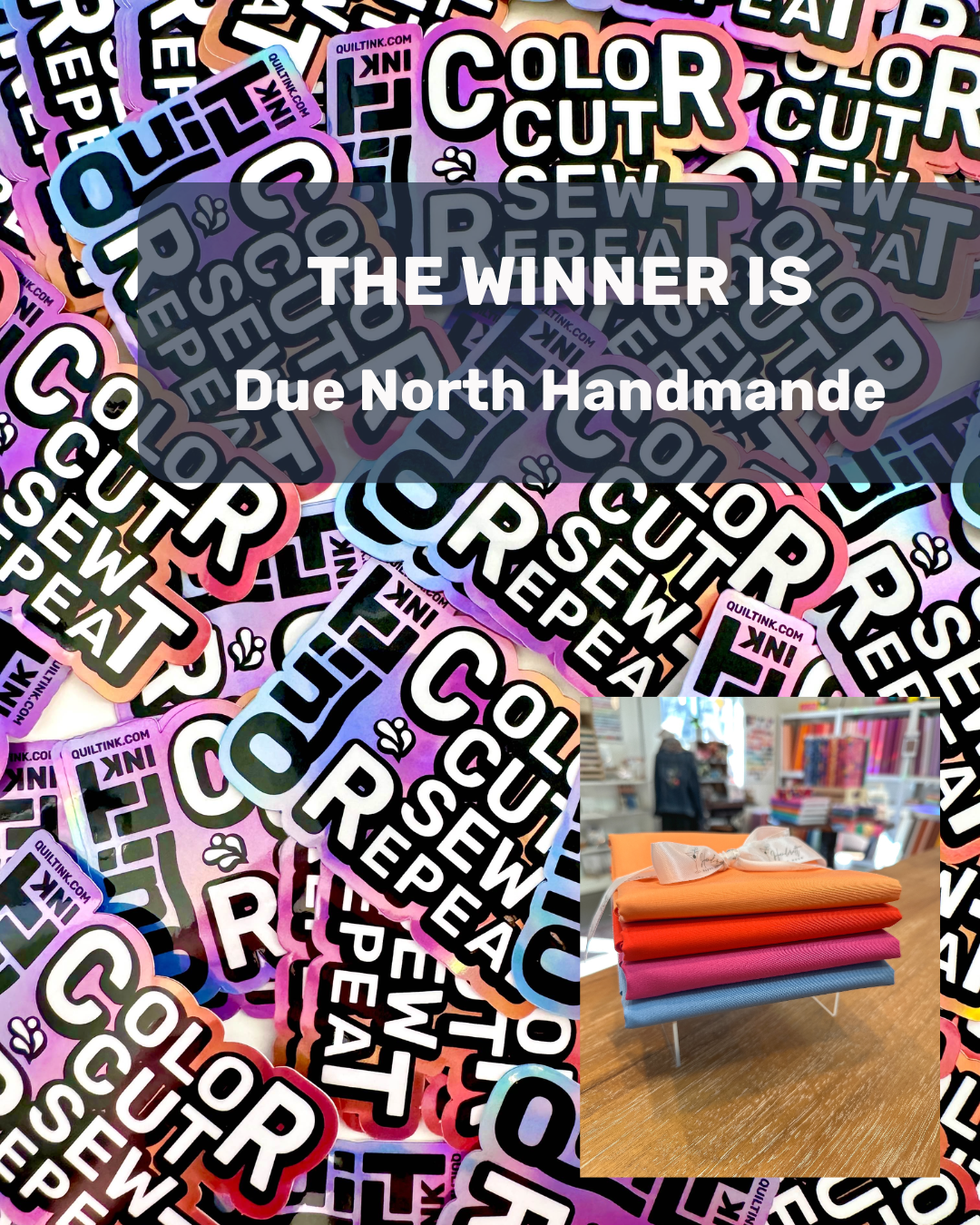
🎉 We have a winner! 🎉
A huge congratulations to Kate from Due North Handmade for winning the QuiltInk Stickers Giveaway at QuiltCon! 🎊
Kate was randomly selected among all who shared their QuiltInk sticker during the event and will receive a stunning ½-yard fabric bundle in the brand-new QuiltInk palette colors:
💙 Aero Blue
💜 Very Berry
🧡 Marmalade
❤️ London Red
All from Pure Solids by Art Gallery Fabrics, beautifully curated by Jenni from @handcrafthappyhour! ✨
Thank you to everyone who joined the fun and helped spread the QuiltInk love at QuiltCon! 💛 Stay tuned for more exciting surprises ahead!
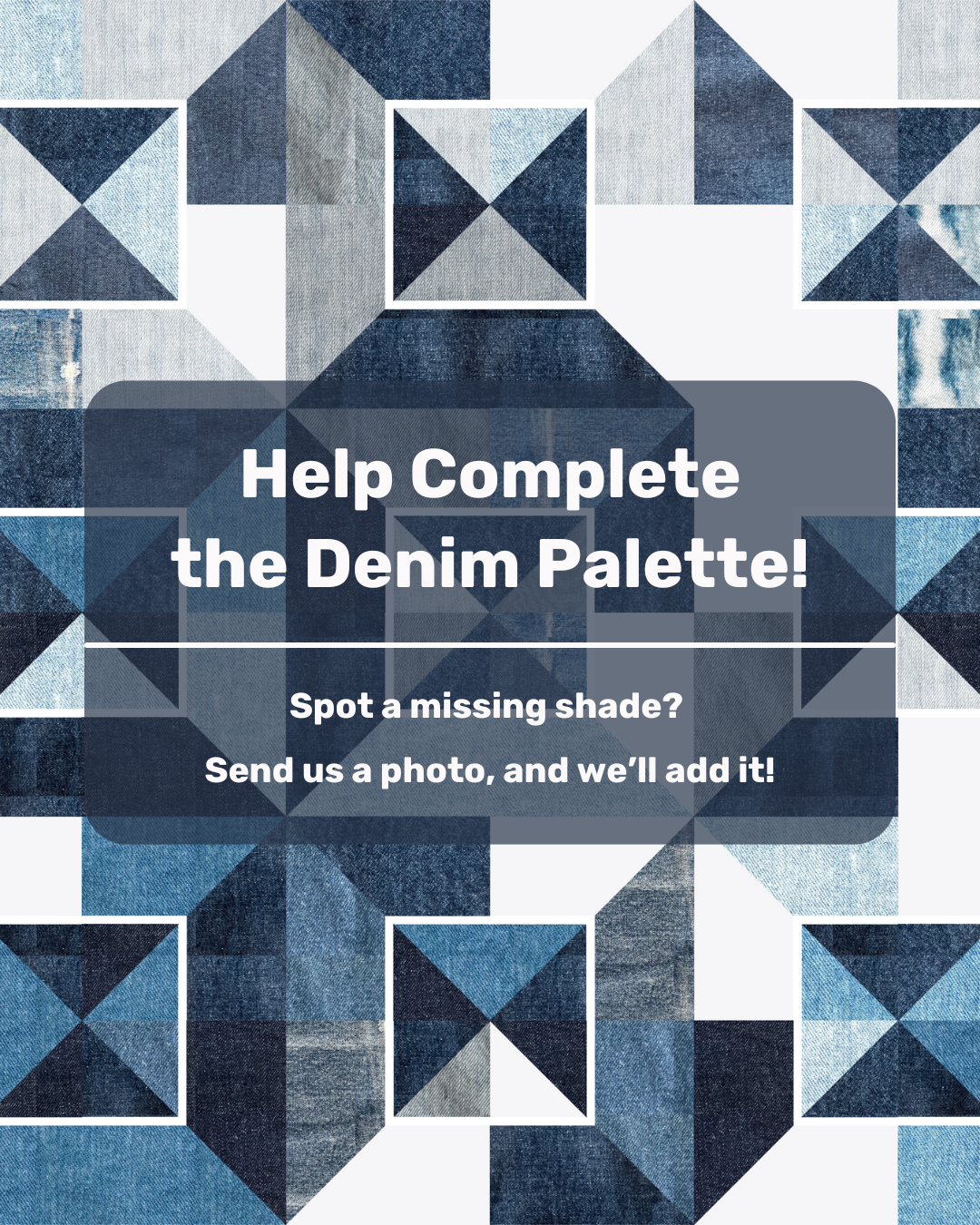
✨ Help us complete the Denim Palette! ✨
We just set up the Denim Palette for this month’s QuiltInk Challenge, curated by Radha from Sewing Through Fog & FeelGood Fibers, but denim comes in so many shades and textures! Do you think we’re missing one? 👀
📸 Send us a high-resolution photo of the denim swatch you’d like to see included! Place a ruler over it to show the scale and capture the widest possible view of the fabric. We’ll add the best matches to the palette so everyone can design with them.
🔹 Spread the word! Tag a friend who loves denim quilts or share this post.
🔹 Swipe to see the full palette & let us know what’s missing!
✨ Don’t forget! You can still participate in the QuiltInk February Challenge, where the Denim Palette is featured! The winner will receive Quilt Your Jeans – The Class, an on-demand course from Sewing Through Fog. You’ll learn how to deconstruct old jeans into usable shapes and transform them into three mini quilt designs with expert guidance!
Pattern in the cover image: Denim Duo by Sewing through Fog
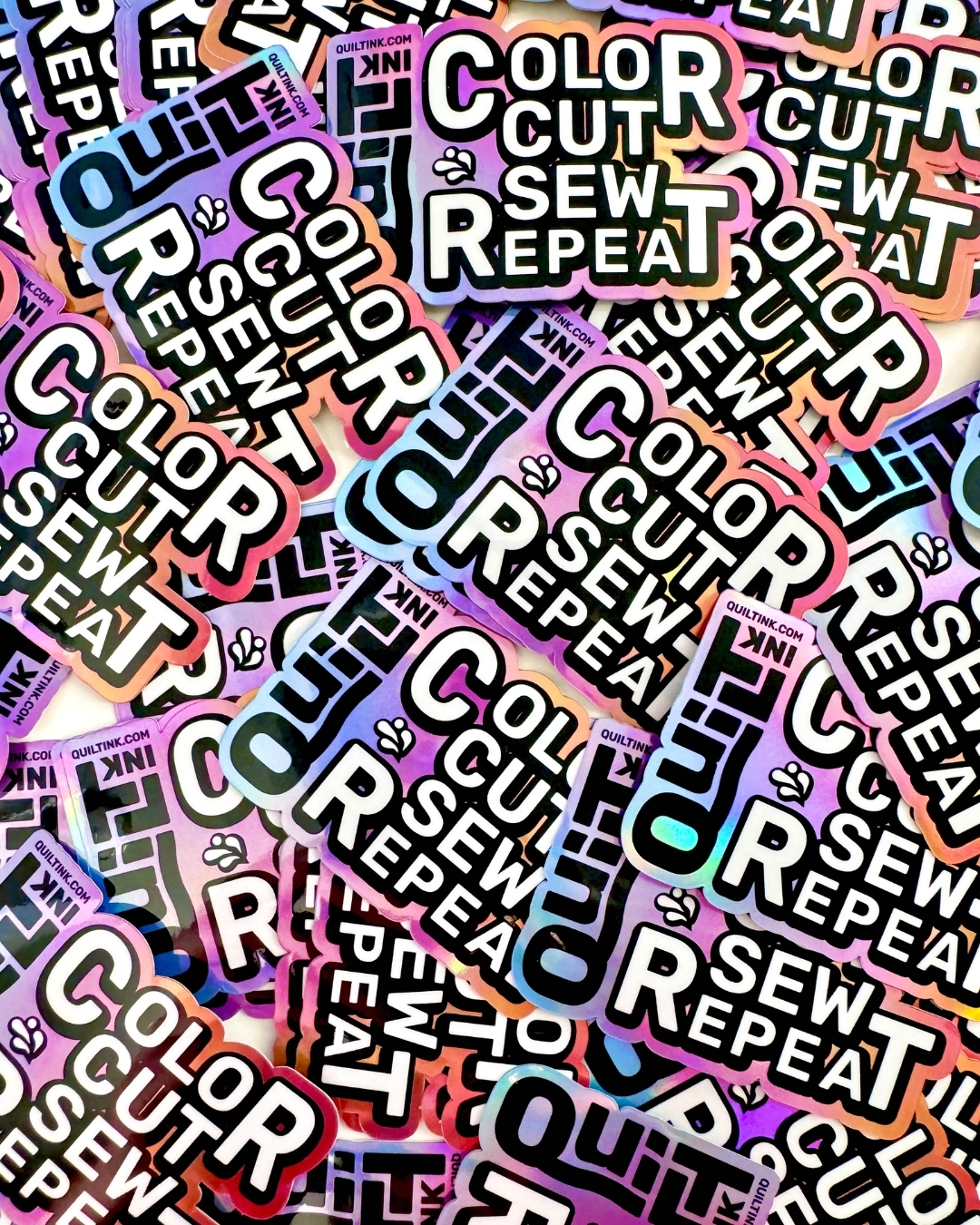
QuiltCon Giveaway Alert!
Are you heading to QuiltCon? Sadly, I can’t make it this year… but my stickers will be there!
Luckily, Olivia, the Virtual Assistant (@thequiltyva), has offered to hand them out at the event, and I couldn’t be more excited! If you’re attending, be sure to grab one!
And that’s not all—let’s make it even more fun! I’m hosting a GIVEAWAY for everyone who shares a photo with the sticker at QuiltCon!
You could win a gorgeous fabric bundle featuring the QuiltInk palette colors!
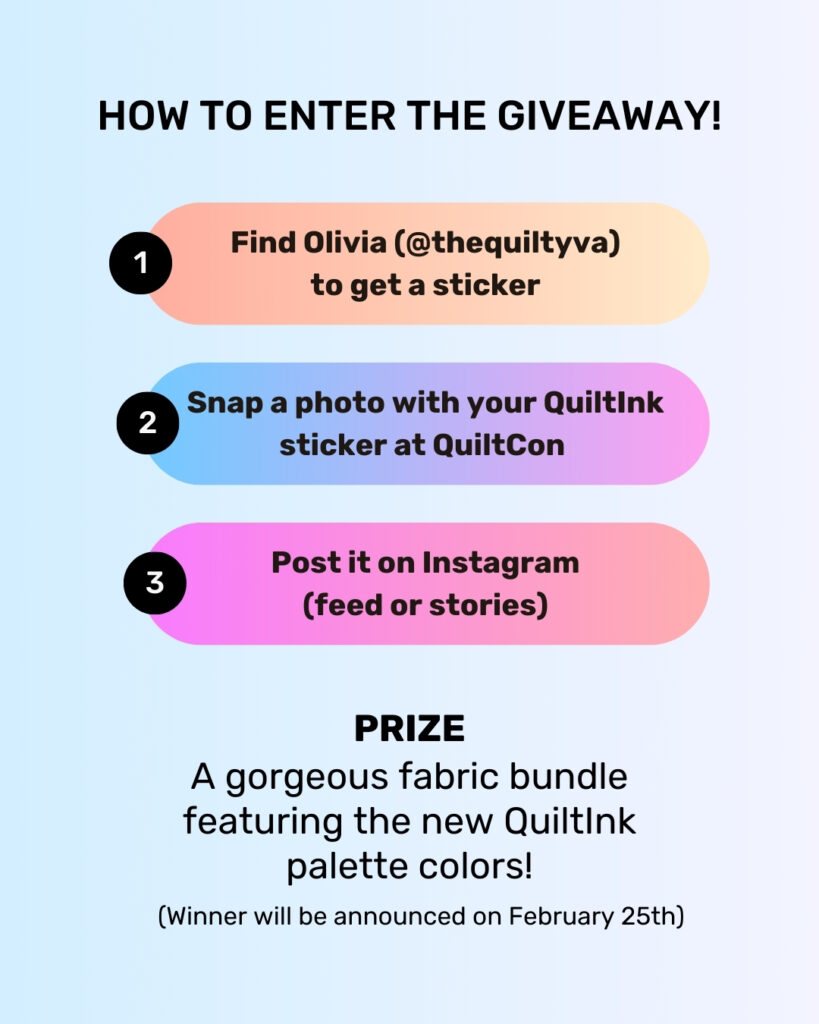
How to Enter:
1️⃣ Get your sticker from Olivia.
2️⃣ Snap a photo with your QuiltInk sticker at the event.
3️⃣ Post it on Instagram (feed or stories), tag @quilt_ink and use #QuiltInkAtQuiltCon.
🎟️ Each post/story = 1 entry!
The Stickers:
“Color, Cut, Sew, Repeat” ✂️✨ To celebrate the new QuiltInk branding, I designed this special holographic sticker featuring our new logo by Taylor from @toadandsew! What do you think?
Where to Get One:
Find Olivia, the Virtual Assistant (@thequiltyva)—she’ll be handing out stickers at QuiltCon! Look for her wearing a t-shirt with the her logo. Check out her profile to learn more about her!
The Prize:
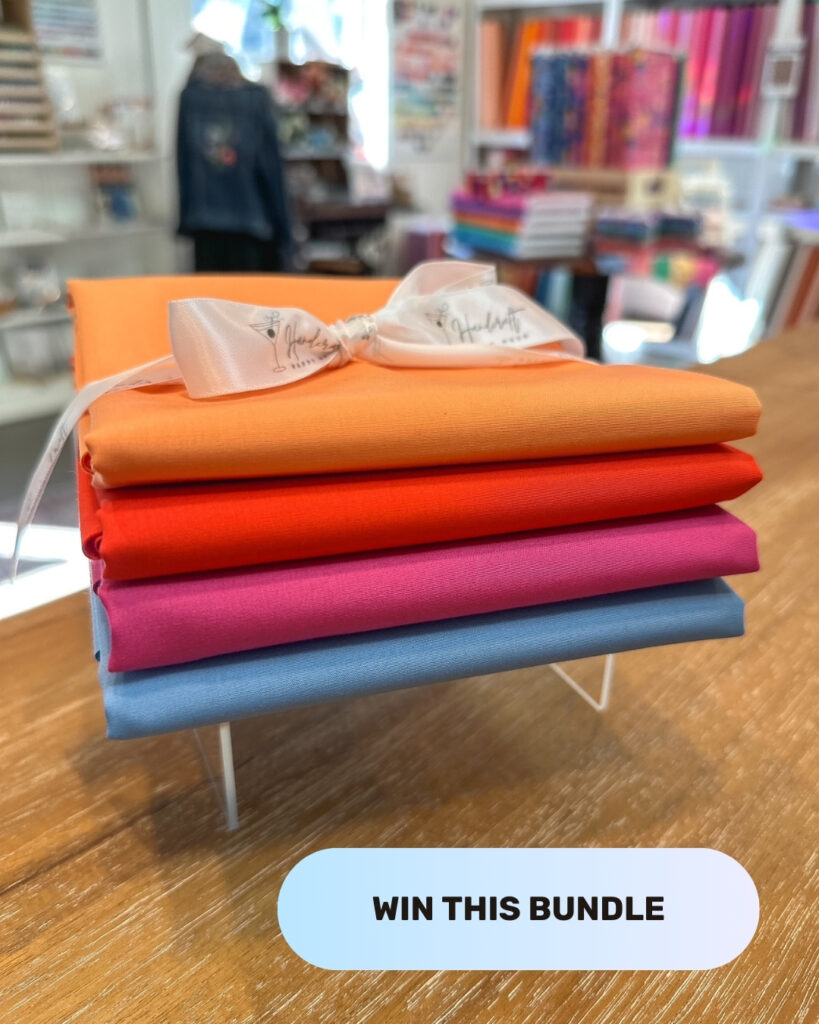
A stunning ½-yard fabric bundle in the new QuiltInk palette colors:
💙 Aero Blue
💜 Very Berry
🧡 Marmalade
❤️ London Red
All from Pure Solids by Art Gallery Fabrics, beautifully curated by Jenni from Handcraft Happy Hour (Fabric Shop in QuiltInk!)
For those not attending QuiltCon—don’t worry! After the event, stickers will be available through our platform! (I know many of you are excited to get one! 😉)